
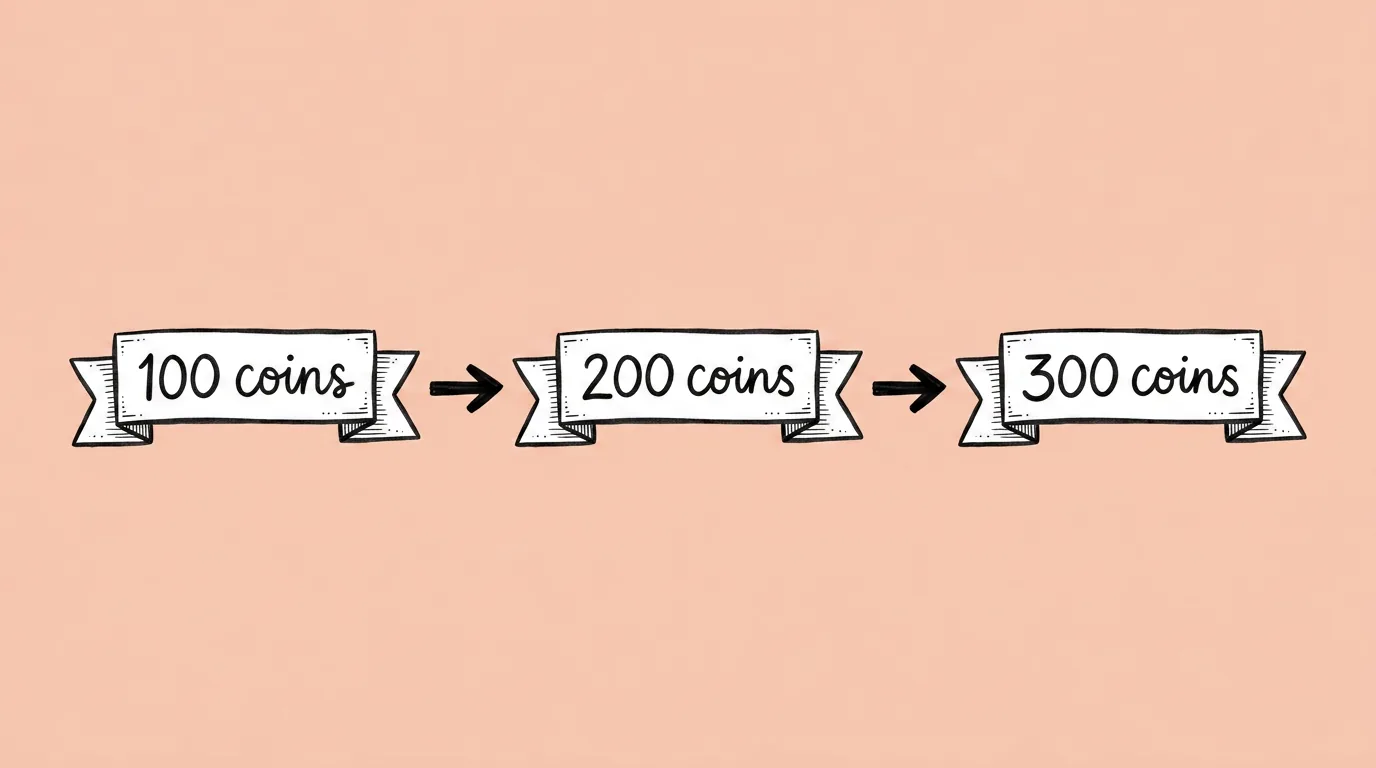
Good offer art does one job: it shows the value before the player reads the price. To build it and test it, chain five steps: put your currency into the offer art, build the pack ladder, add rarity tiers, make color and copy variants for the A/B test, then resize the winner for every placement. Every variant comes from the same approved image, so the test measures the change you made and nothing else.
Key takeaways
- An offer is a hypothesis. The faster its art exists, the more versions you can test.
- Build variants from one approved image. Change one thing per variant so the test result means something.
- Pack ladders need the same camera view across tiers, or the step-up doesn't read.
- Leave room for price and CTA from the first step, not the last.
- In Genie, your currency and characters stay on-model behind @, and your offer layout saved as a skill makes every new offer start from what already works.
Why is this worth a workflow?
In a live game, the loss is rarely an asset. It's the offer that never got tested, the bundle that ran with one version because the second one wasn't ready. The constraint is the planning cycle around the art, not the art itself. This workflow is built to remove the "waiting on art" line from offer planning.
How do you build and test an offer, step by step?
Step 1: Put the value in the scene
Start from the offer's base art and run Add currencies to image. Call your currency with @, pick one structure (scattered, flying or piled) and say where the price and CTA will sit so the coins stay out of it. Approve this image. It's the base for every variant after.
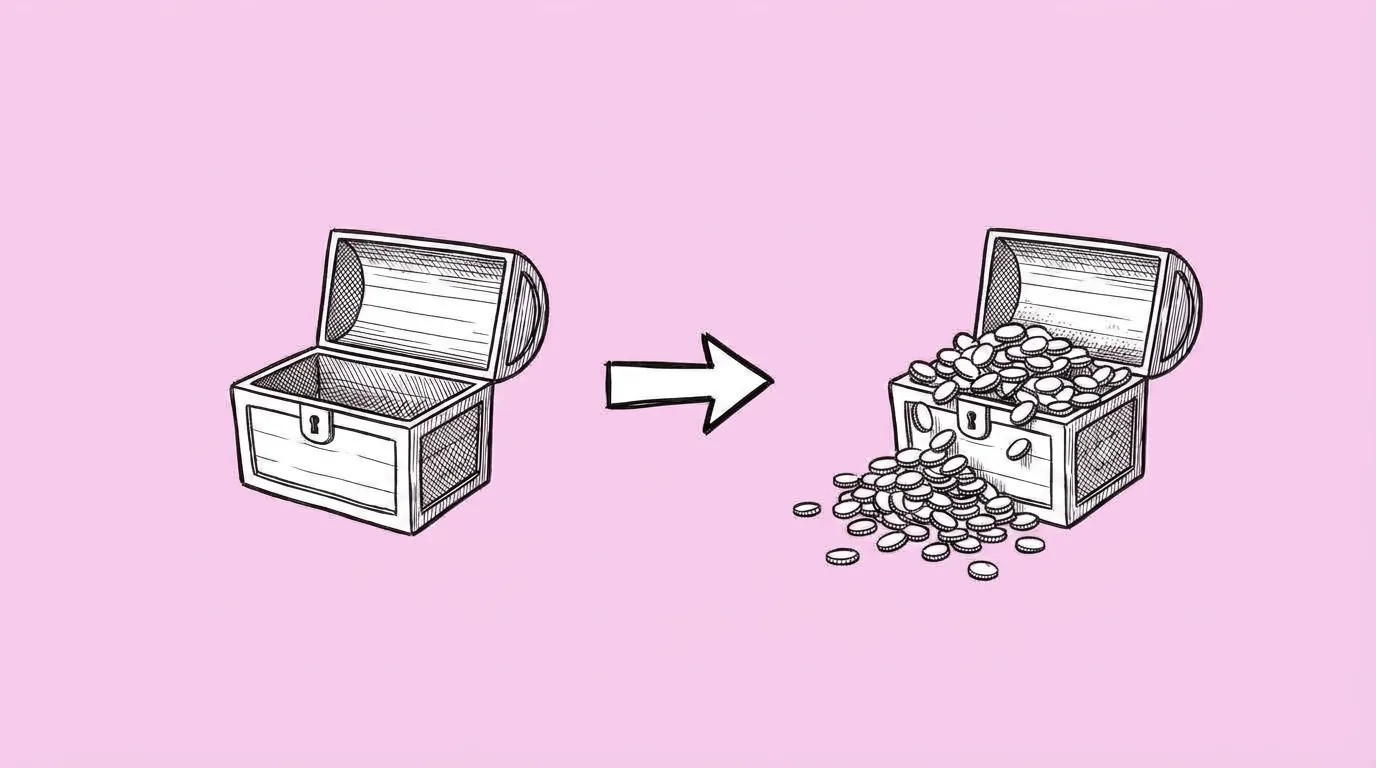 PromptAdd currencies to image →
Step 2: Build the pack ladder
For store bundles, run Pile of currencies for all tiers in one request: small, medium, large, huge, same camera view, plain background. The player should see the difference between tiers before reading a number.
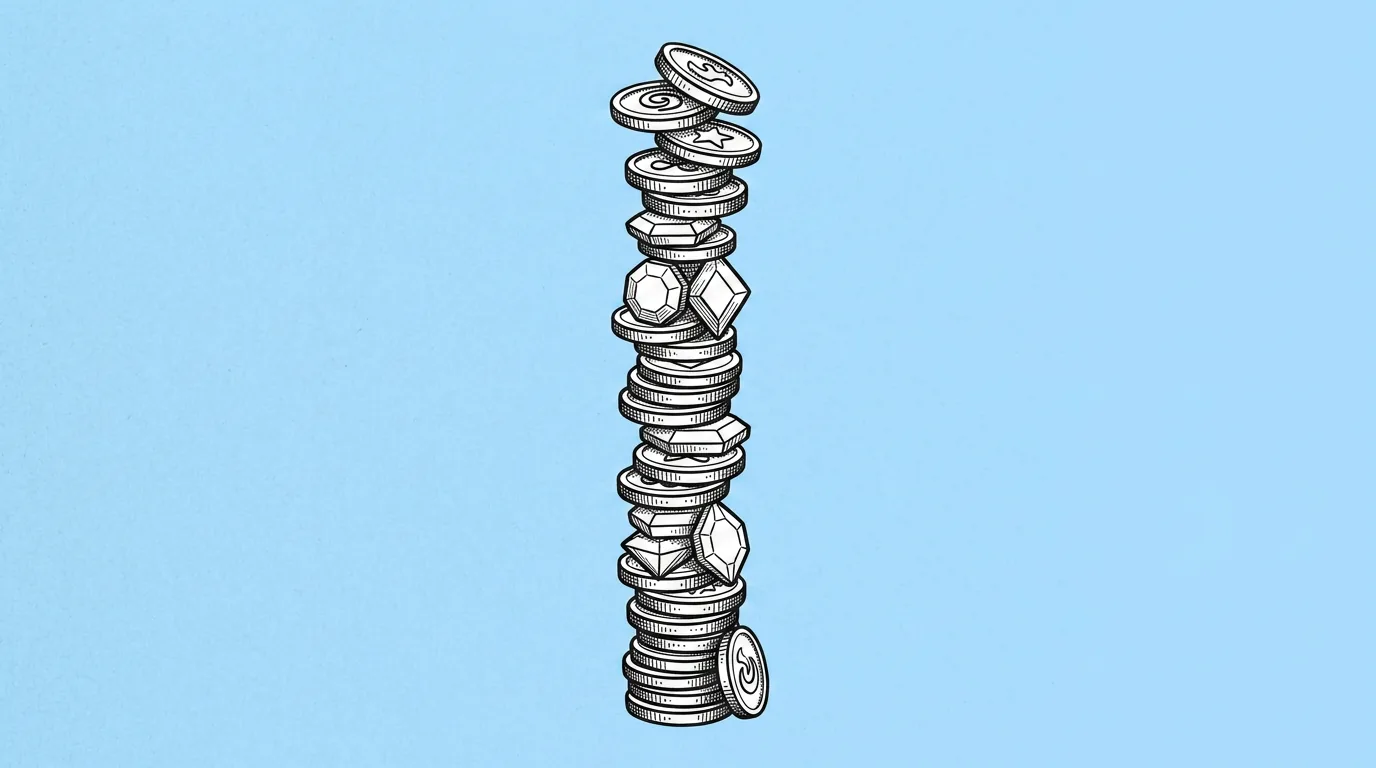 PromptPile of currencies →
Step 3: Add rarity tiers where it fits
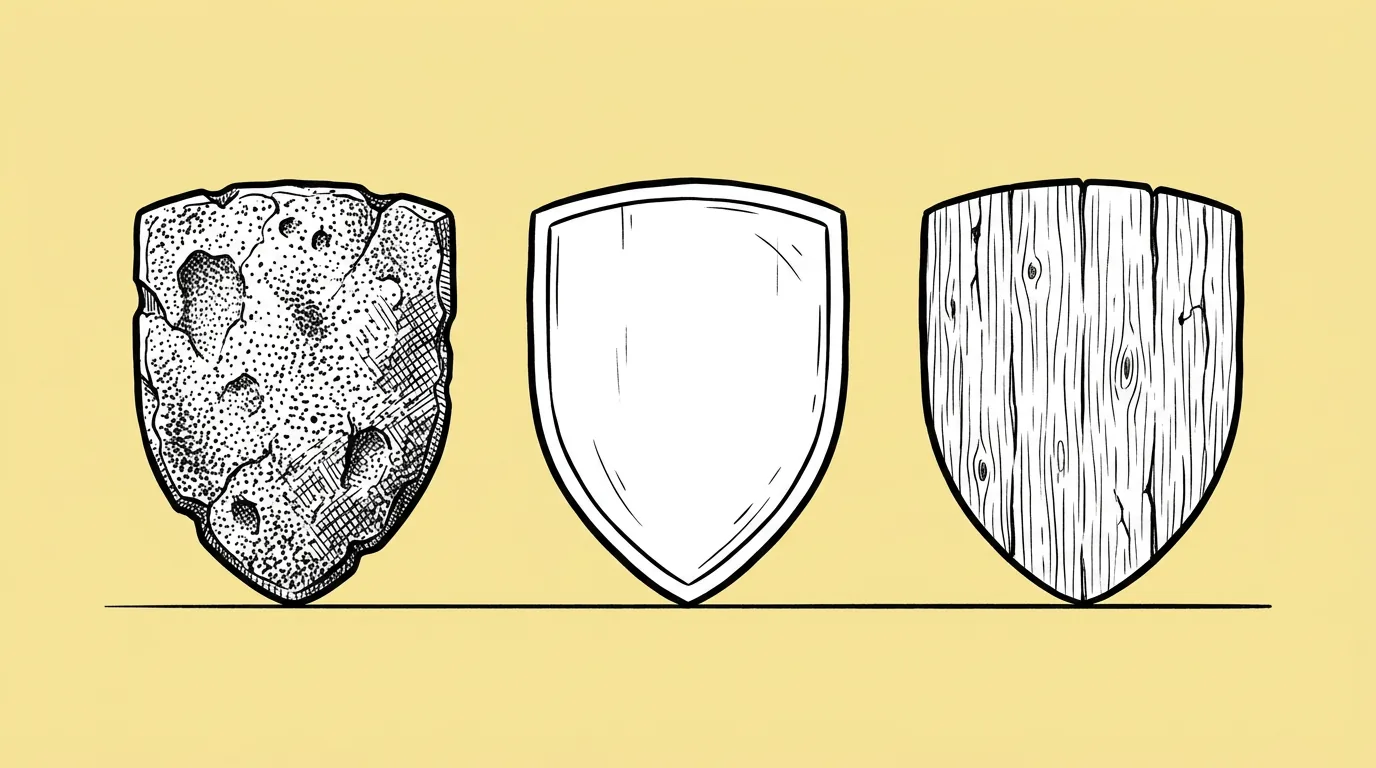
If the offer includes an item, run Material variants for wood, silver and gold versions with shape and lighting fixed. Use materials that still read at icon size.
 PromptMaterial variants →
Step 4: Make the test variants
From the approved step 1 image, make variants that change one thing each:
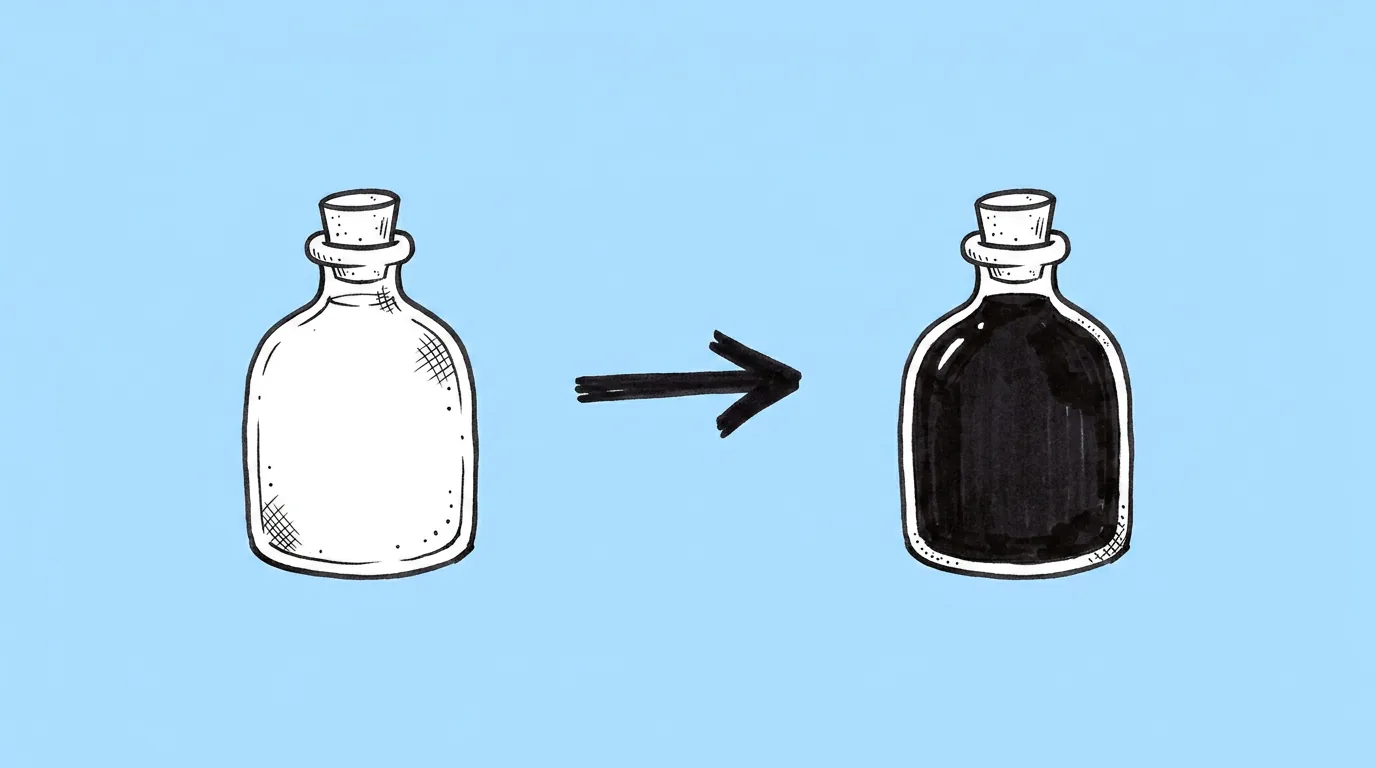
- Color: run Recolor on the background or frame with exact hex codes.
- Copy: run Text editing with up to 10 headline or CTA variants, close in length.
 PromptRecolor →
Step 5: Resize the winner for every placement
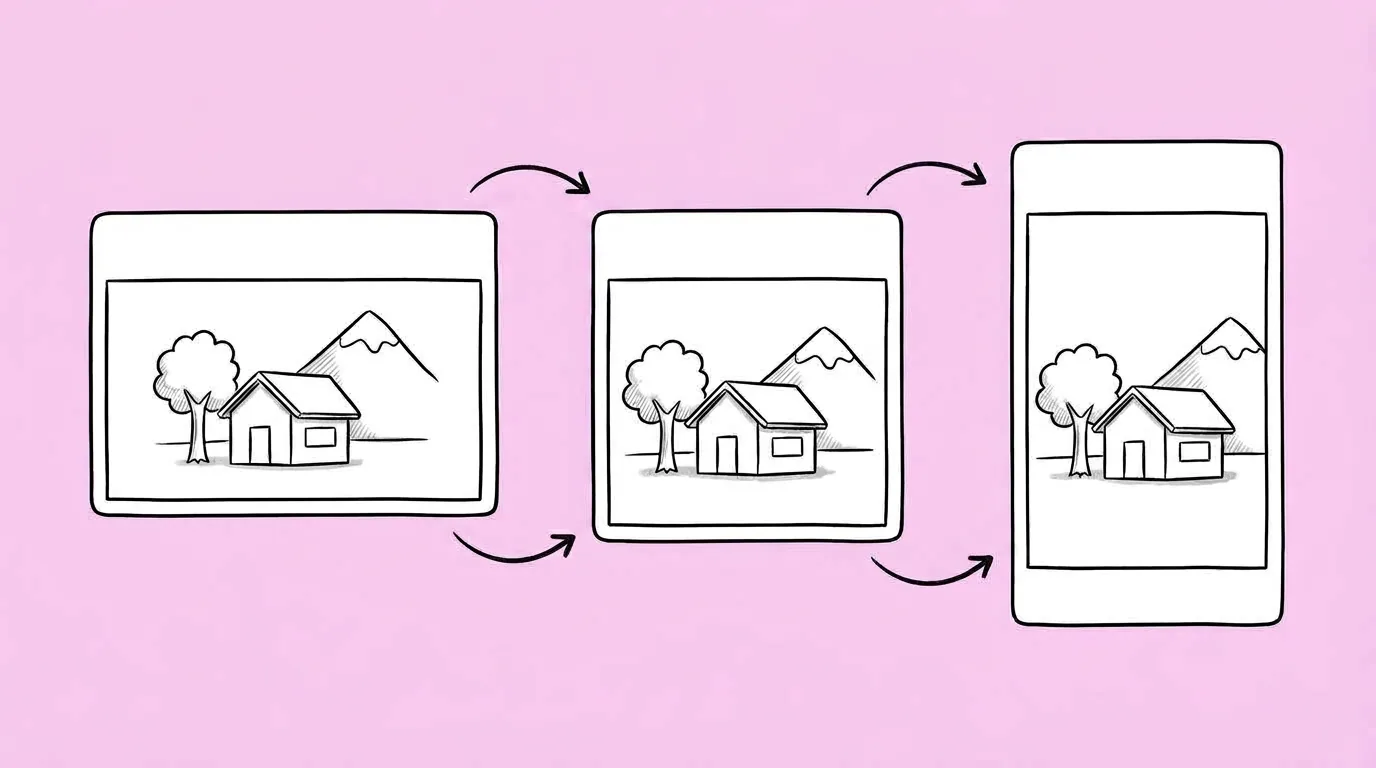
Once the test picks a winner, run Resize for every platform for pop-up, store card, banner and CRM formats. Name what must stay: currency, price, CTA.
 PromptResize for every platform →
Prompts in this guide
The offer at a glance
| Step | Prompt | Output | One rule |
|---|---|---|---|
| 1 | Add currencies to image | Base offer art | Leave room for price and CTA |
| 2 | Pile of currencies | Pack ladder | Same camera for every tier |
| 3 | Material variants | Rarity tiers | Materials that read small |
| 4 | Recolor, Text editing | Test variants | One change per variant |
| 5 | Resize for every platform | Every placement | Name what must stay |
What makes the test trustworthy?
- One variable per variant. If color and copy both change, you won't know which one moved conversion.
- Same base image. Every variant starts from the approved step 1 art.
- Same font and effects in copy variants. Ask the agent to keep them fixed.
The honest read: better art doesn't fix a bad offer. Price, timing and audience still decide most of it. What this workflow changes is how many versions you can afford to test.
Where does Genie fit?
Genie keeps the pieces that make offers repeatable: your currency on-model, your characters behind @, and your offer layout saved as a skill. One system for in-game offers, the store and CRM, so the next offer starts from the last winner instead of a blank canvas.
FAQ
How many variants should I test?
+
Your traffic decides that. Fewer variants with one clear change each beat ten variants that change everything.
Can I localize the winning offer?
+
Yes. See How to localize store and CRM creatives.
Does the currency have to be set up in Genie?
+
For on-model results, yes. Calling it with @ keeps the shape and symbol right.