
What to fill in
| Bracket | What to put | Example |
|---|---|---|
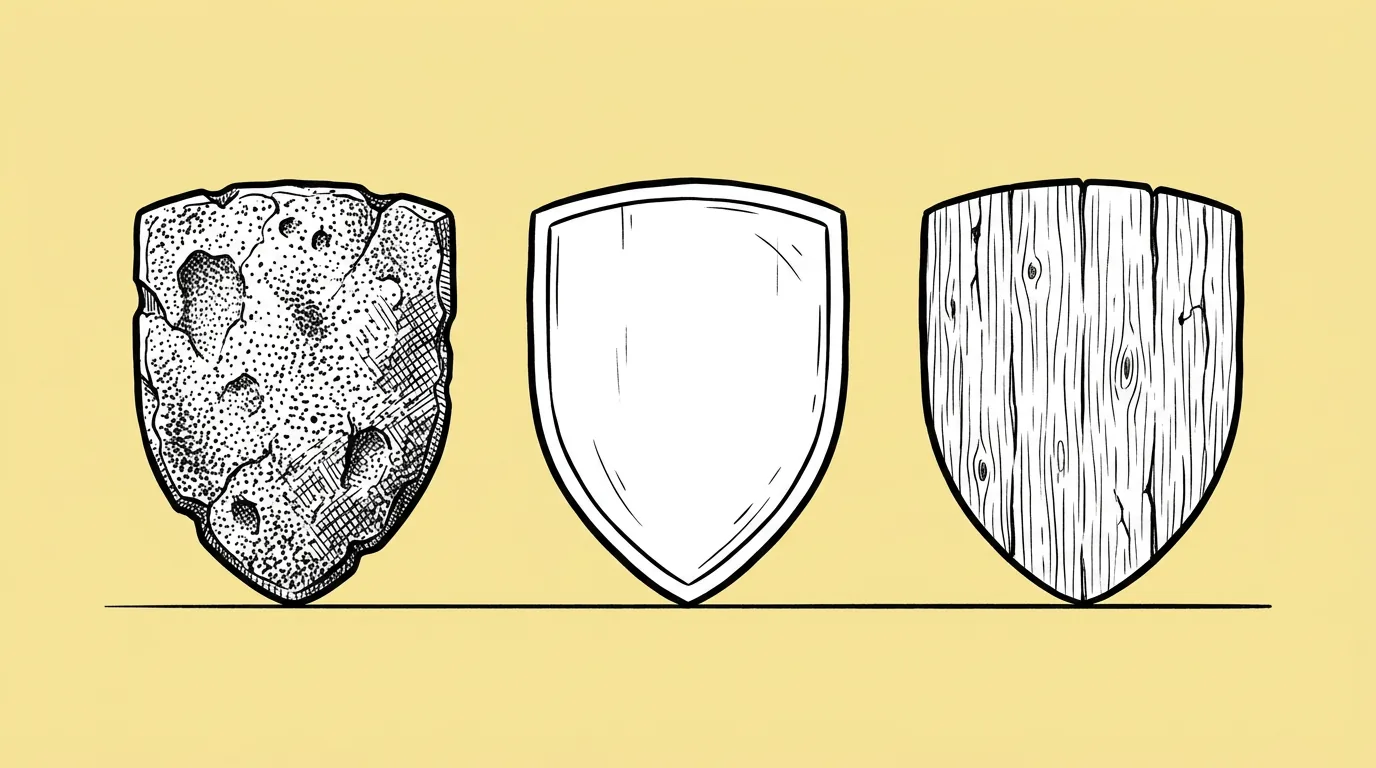
| [materials] | Materials that read at the size the asset will be shown. | "oak wood, polished silver, gold with gems, glowing crystal" |
When do you use it?
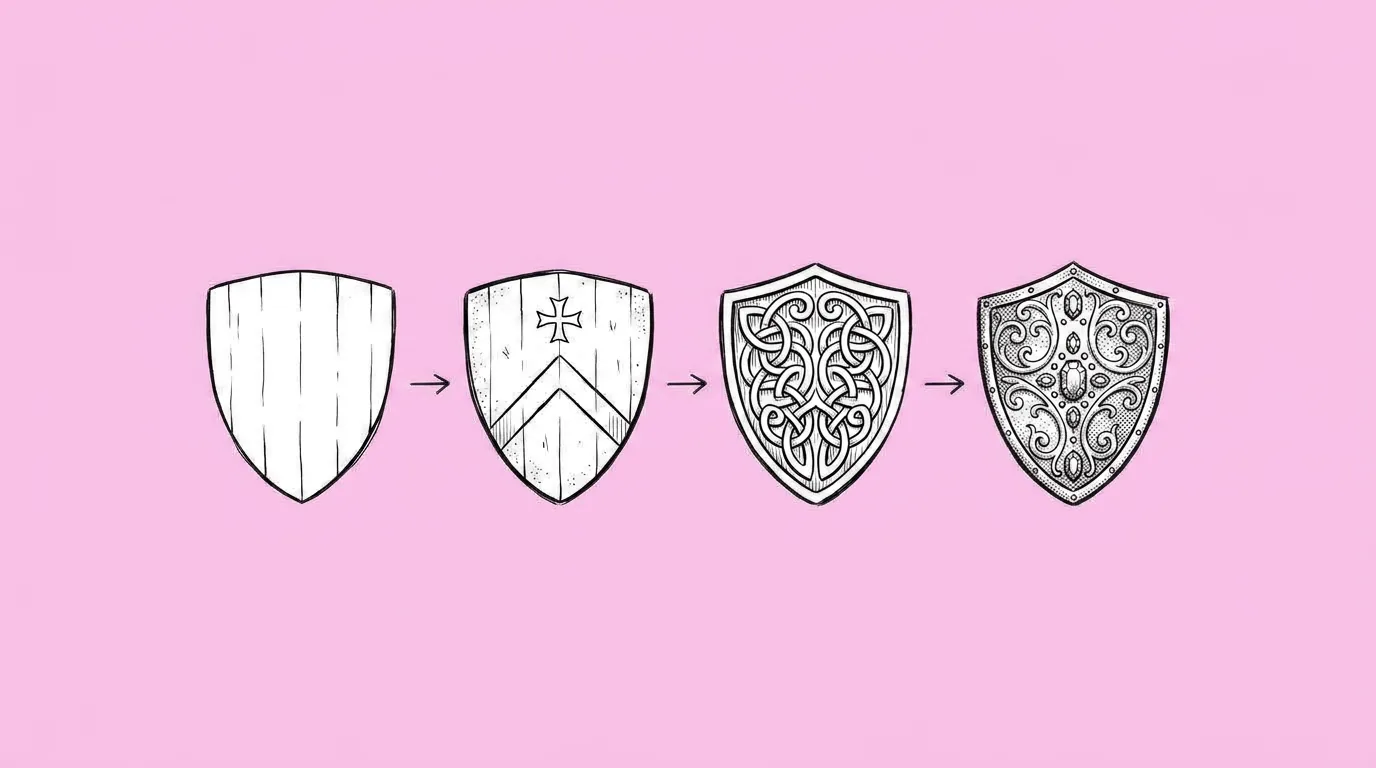
When one item needs a ladder. Common, rare, epic and legendary versions of the same sword. A cosmetic in four finishes. A store item with a premium variant. The shape is approved. The material is what makes each tier feel worth more.
What breaks, and how do you fix it?
The shape changes along with the material. Some materials, like glass or liquid metal, lose readability at small sizes.
- List materials that read at icon size. Gold, silver and wood read small. Clear glass often doesn't.
- Ask to keep shape, lighting and camera fixed. The material should be the only thing that changes.
- For an exact look, send examples. Use Image remix or the agent to send images of the specific materials you want applied to the new object.
- Save your rarity materials as a skill. Every new item gets the same tier look.
Which tool should you use?
Use Image remix or Genie's agent, with material examples as references, for a full set. Use Magic edit on the canvas for a quick single material.
Variations to try
Create four variations of the attached shield: worn wood, iron, gold, and legendary obsidian with glowing purple runes. Same shape, lighting and angle.
Apply the material in each attached sample image to the attached chest, one version per sample, same shape and angle.
FAQ
How many materials can I ask for at once?
+
Three to five keeps quality even. Run another batch for more.
What's the difference from Recolor?
+
Recolor changes color only. Material variants change the surface: shine, texture, how light hits it.
How do I make tiers consistent across many items?
+
Save your rarity materials as a skill and apply it to each new item.