
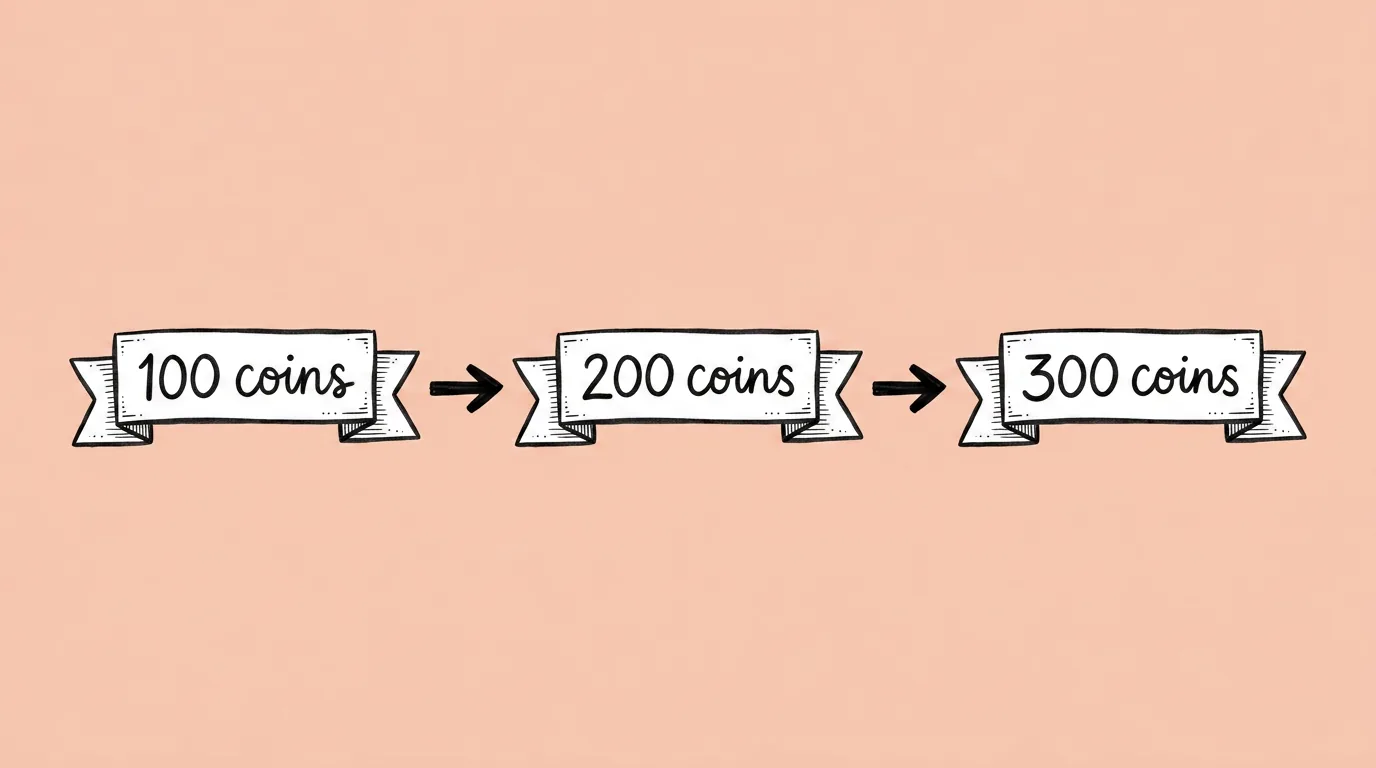
What to fill in
| Bracket | What to put | Example |
|---|---|---|
| [original text in image] | The exact text as it appears now. | "Get 500 coins" |
| [text variations] | Up to 10 variants, comma separated, similar in length. | "Claim 500 coins, 500 coins free, Your 500 coins, Grab 500 coins" |
When do you use it?
Two moments. First, before a test: one approved creative, ten headlines, ready to measure for CTR and conversion. Second, after a review: the art is signed off and someone changes "Free" to "Bonus". Neither should mean sending the design back to the queue.
What breaks, and how do you fix it?
The font, size or effects change between variants. Long variants overflow the space.
- Keep variants close in length. Ask the agent to flag any that are much longer than the original.
- Test different models. Text rendering varies, so see which one performs best on your font and effects. Compare image models helps.
Variations to try
Replace 'Play now' in the image with each of: Start playing, Join now, Try it free, Play for free, Let's go.
Replace '$4.99' in the image with each of: $2.99, $3.99, $5.99, keeping the same font and badge.
FAQ
Will the rest of the image change?
+
It shouldn't. The prompt only replaces the text you name.
Can I change the font too?
+
Yes, but ask separately. Keeping font and effects fixed is what makes variants a fair test.
How is this different from localization?
+
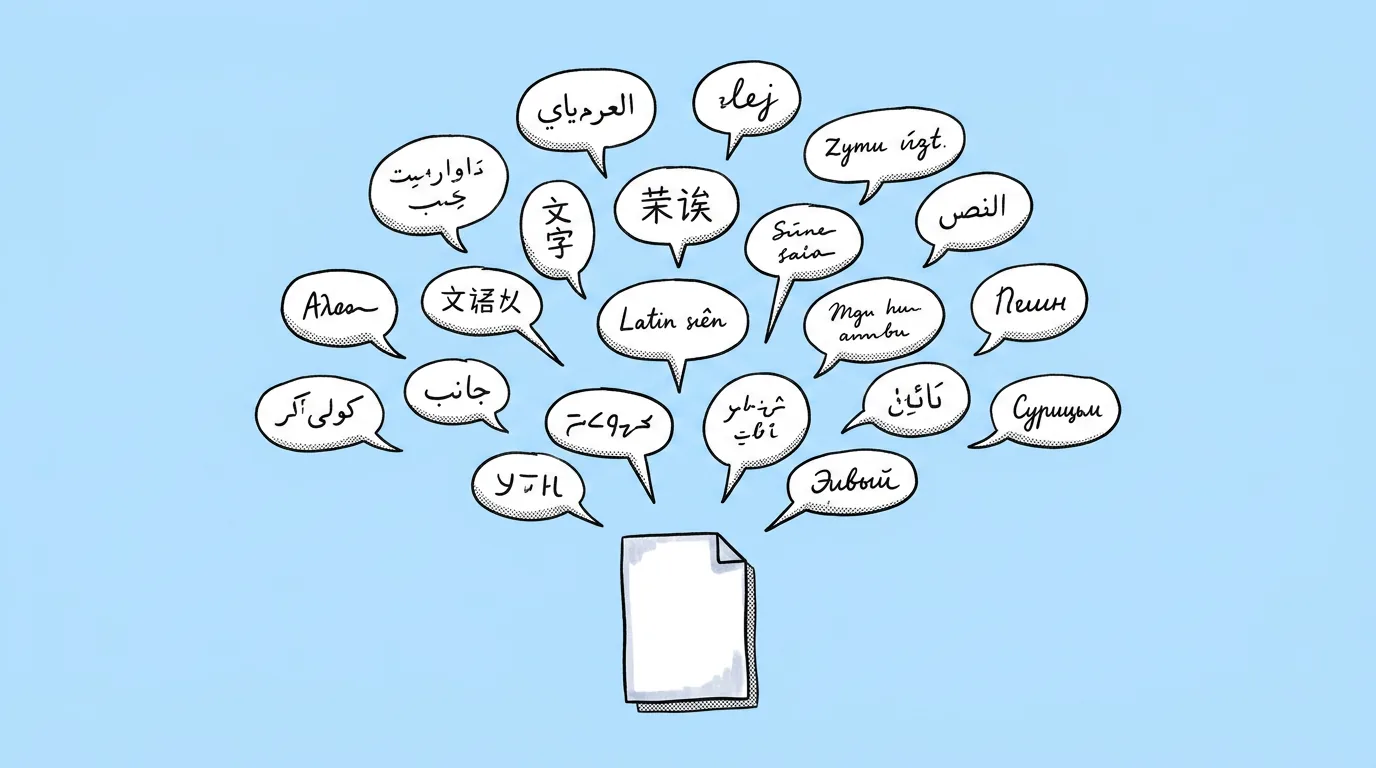
Text editing swaps copy in the same language for testing or fixes. Multi-language localization translates it.