
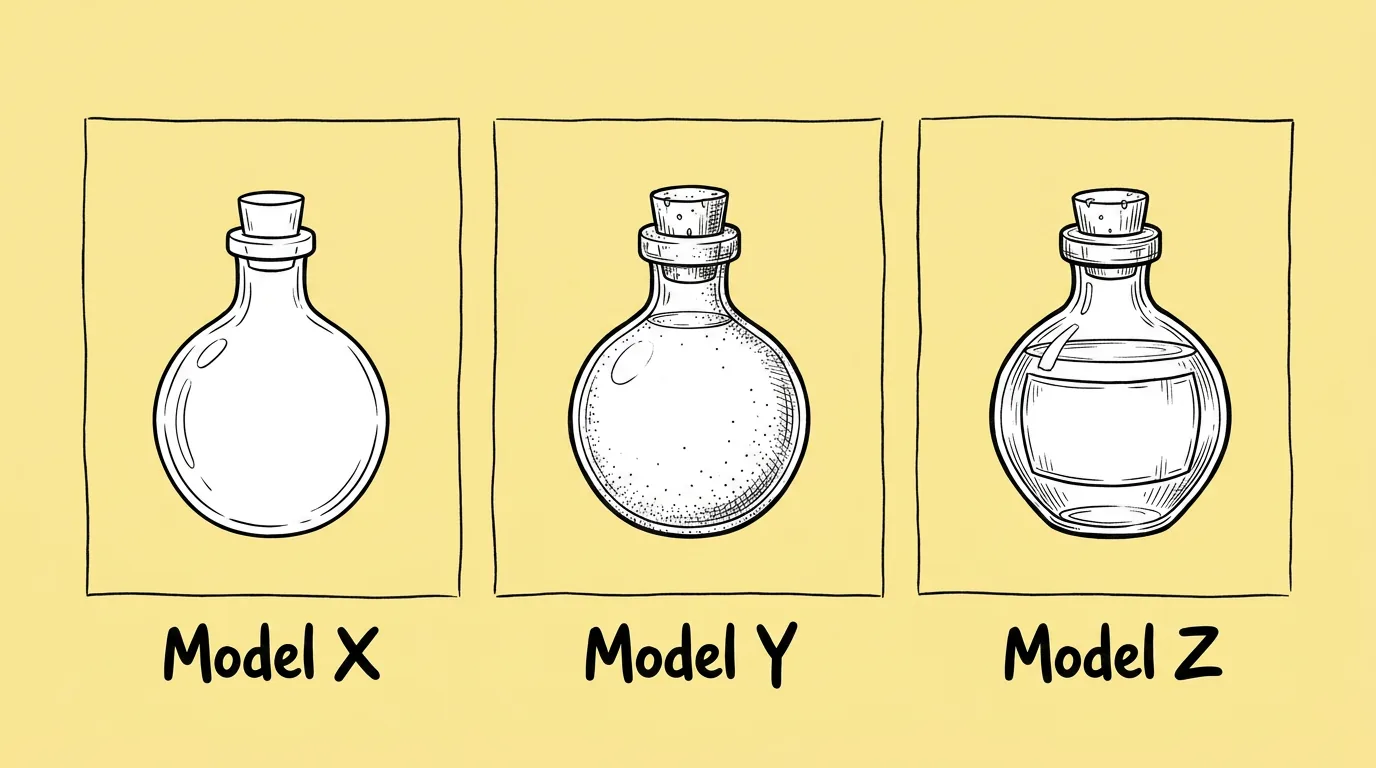
Which models are available right now?
Ask Genie's agent before you compare. These two prompts return every available model with its supported aspect ratios and resolutions:
List all available image generation models, and for each one, return its supported aspect ratios and resolutions.
List all available video generation models, and for each one, return its supported aspect ratios and resolutions.
Run them when you start a new task or format, for example 9:16 at 4K for store assets, or before producing UA video ads, trailers or animated social posts. Filter by the ratio your channel needs, then compare the top two or three on your own prompt.
When do you compare?
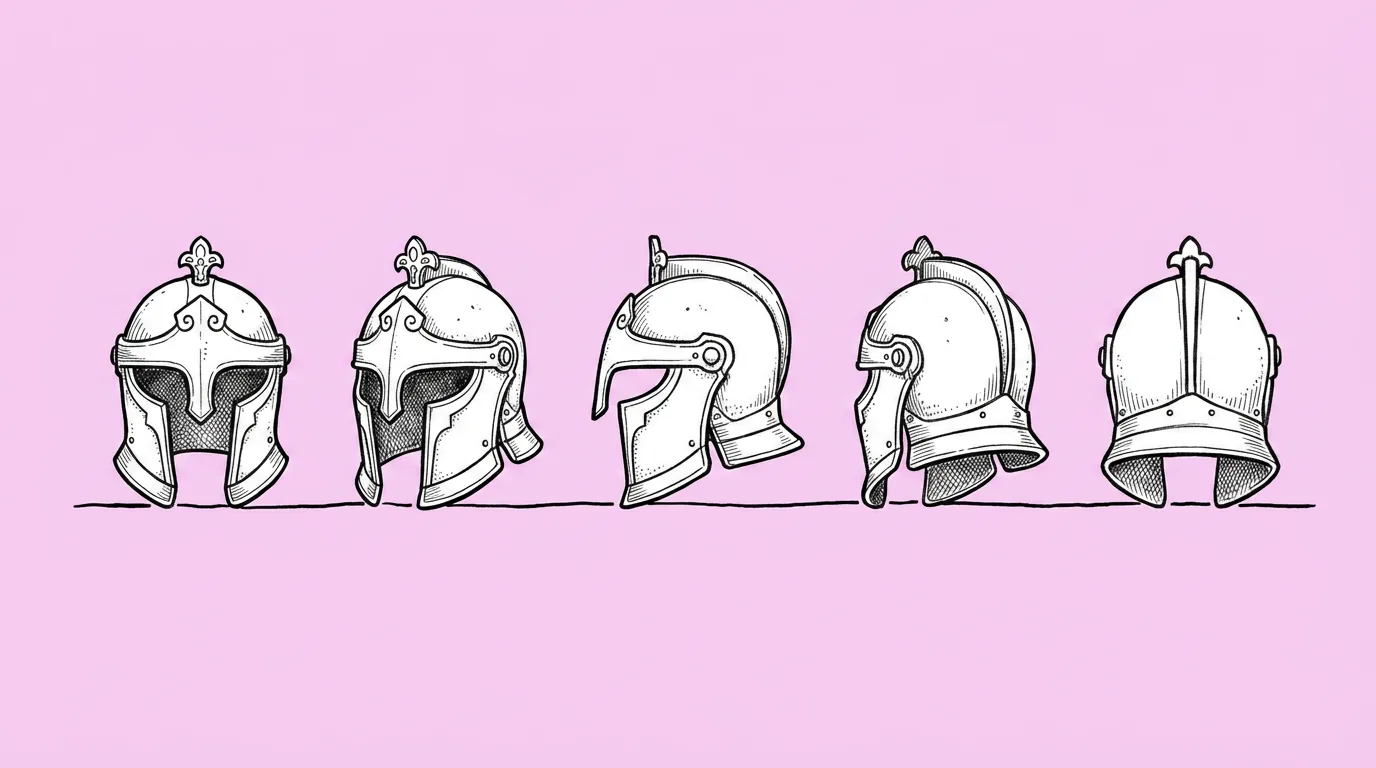
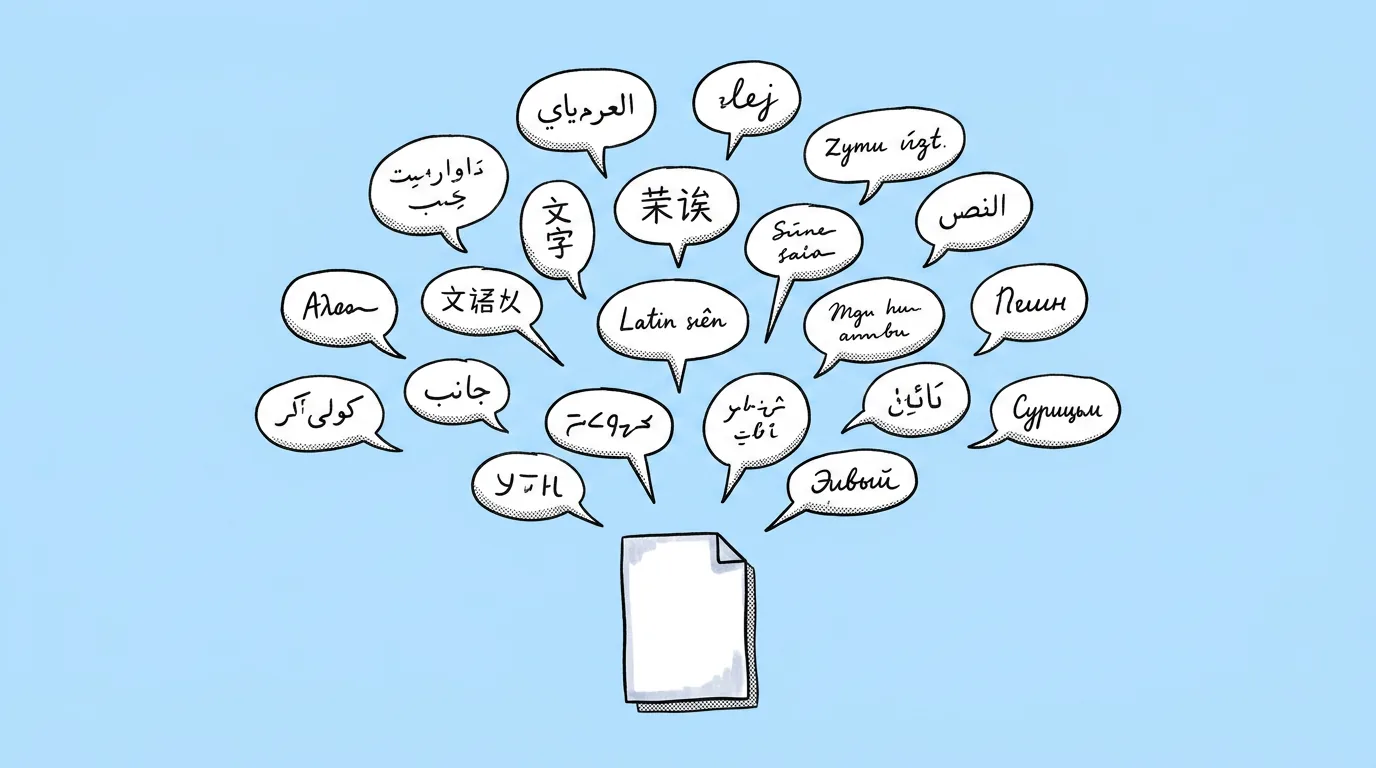
Before volume. One test before a batch of 50 icons, an event's worth of card art or a localization run across 12 languages. Models differ a lot: one holds asymmetric details, another renders text cleanly, a third stays closest to a sketch. The right one depends on the asset, not on a leaderboard.
What breaks, and how do you fix it?
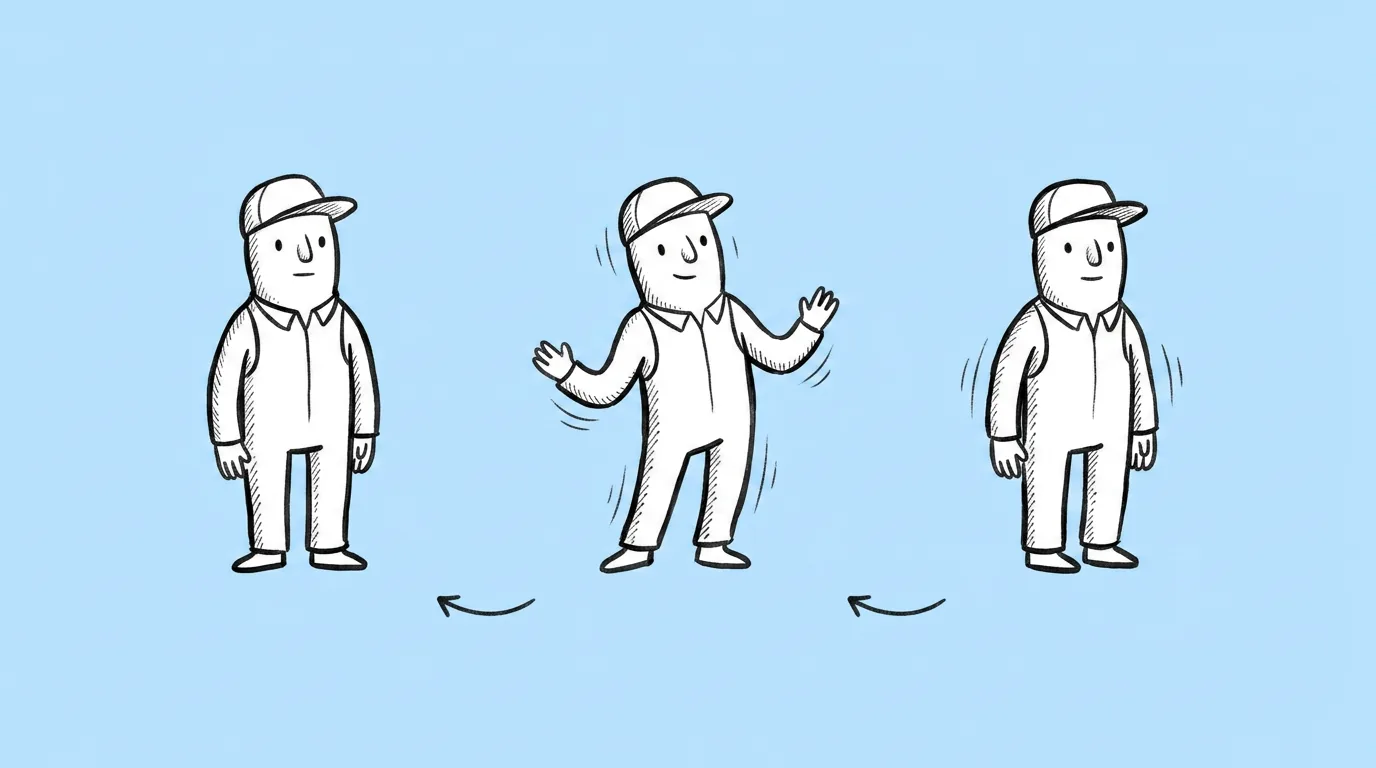
One run per model is misleading, because results vary run to run. A vague test prompt tells you nothing. And model lineups change fast, so last month's winner may not be today's.
- Test with your real production prompt and the same reference on each model.
- Run each model twice. One good result can be luck.
- Judge against your style guide, not against which image looks most impressive.
- Save the winner as a skill. The whole team uses the same model for that asset type.
- Recheck when the lineup changes. Specs lists don't tell you which model fits your style; only a test does.
FAQ
Which model is best for game art?
+
There isn't one. It depends on the asset type and your style. That's why the test runs on your own prompt and reference.
Can I compare more than three models?
+
Yes. Replace the list with any models from the available-models list.
How often should I recheck?
+
When a new model arrives in Genie, or before a new asset type goes into production.