AI image editing prompts for game art
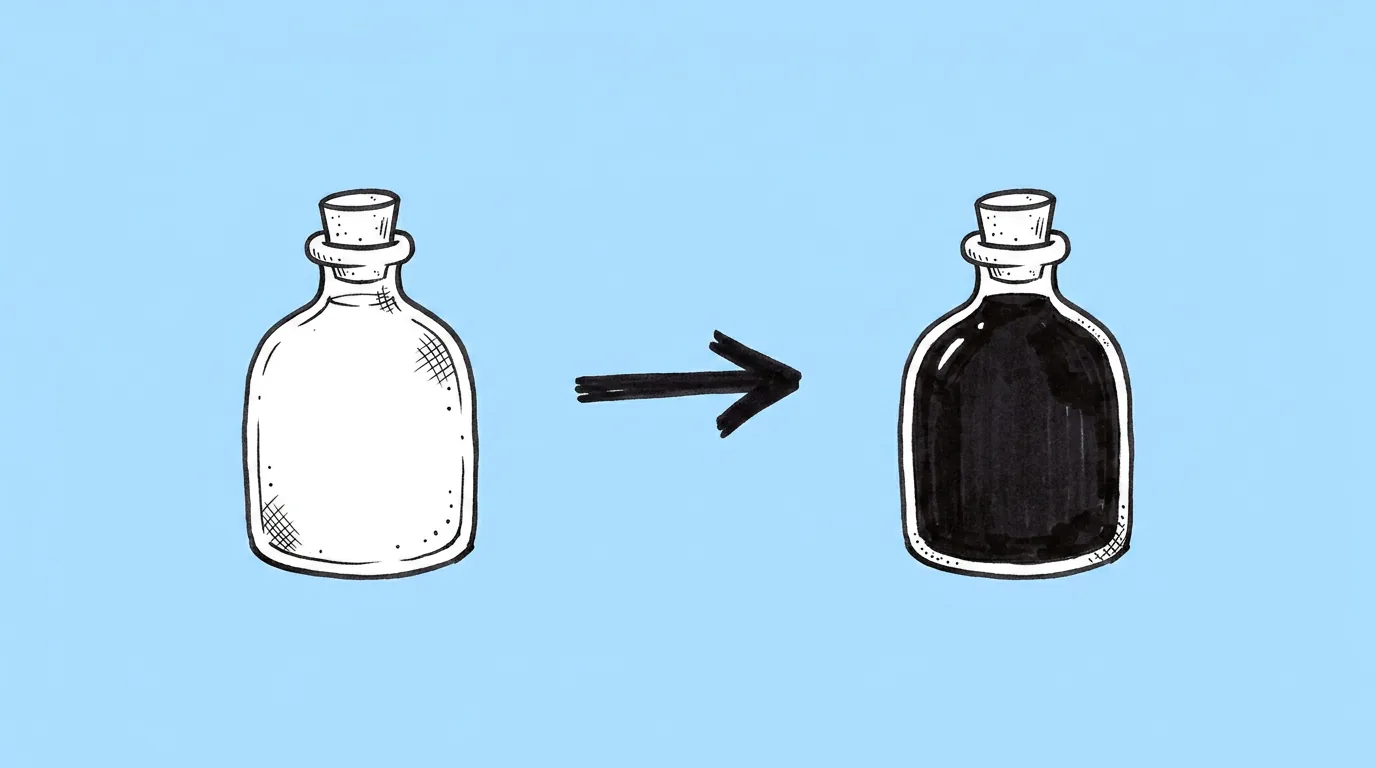
Not every task needs new art. Often the asset is right and one thing about it needs to change: the color, the angle, the background. These prompts make that one change and leave the rest alone. And because results depend heavily on which model runs them, this category also covers how to pick the right one.
The prompts · 4
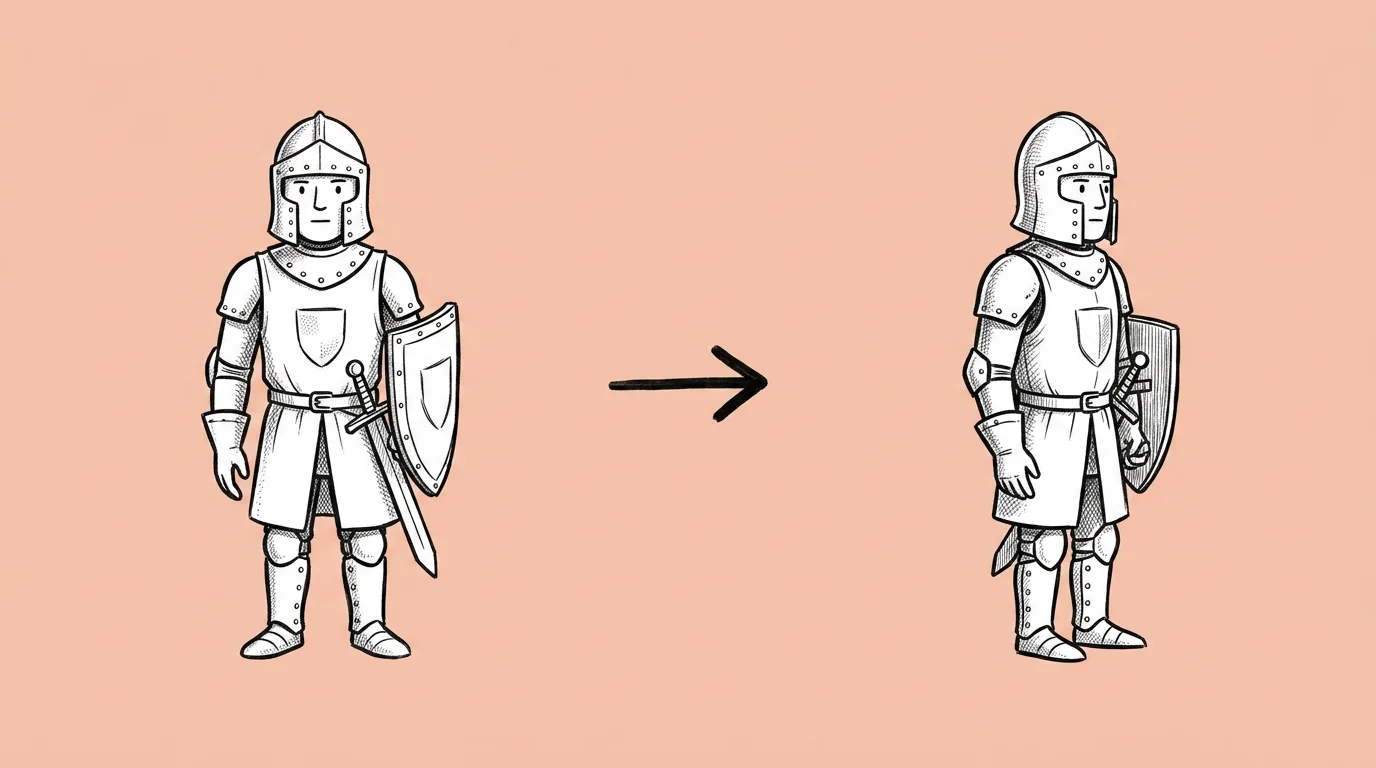
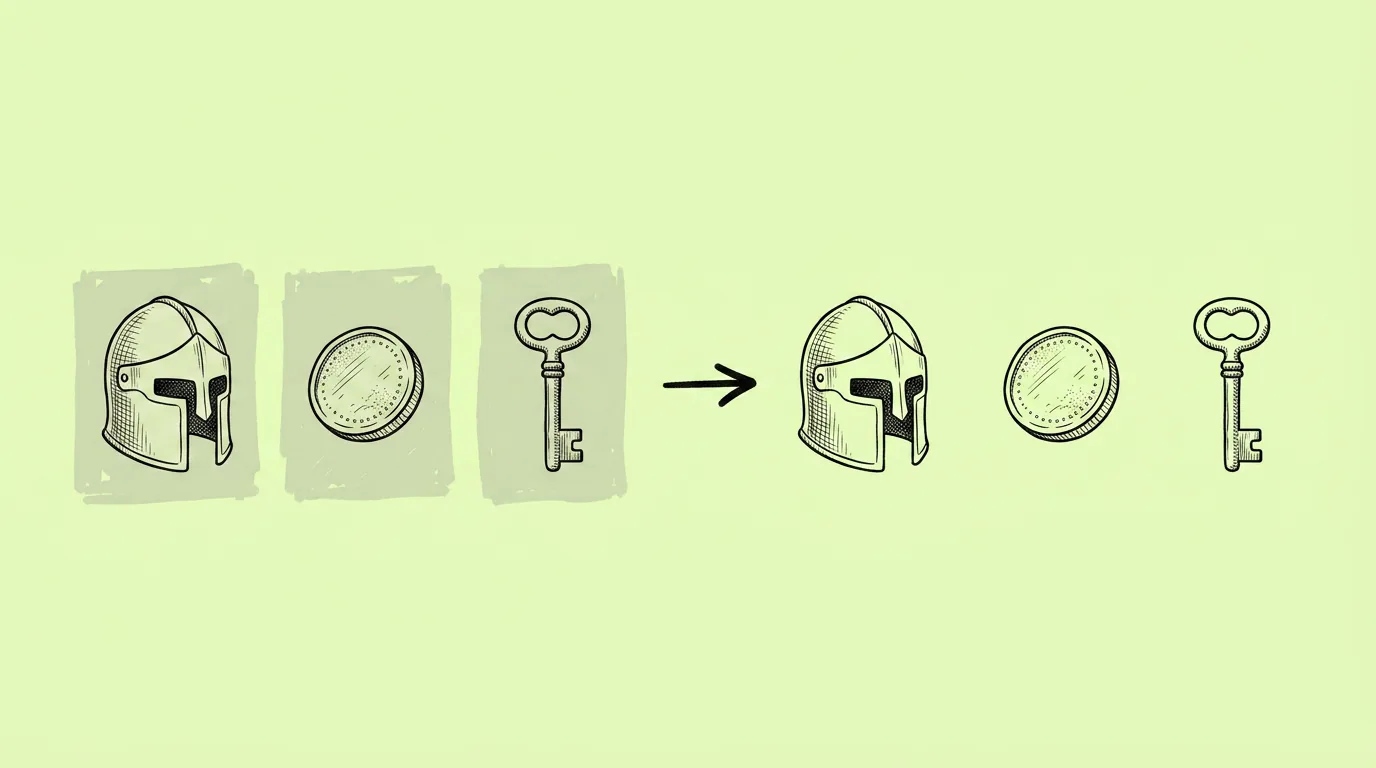
Prompt, or a canvas tool?
For one quick change, the canvas is often faster: Magic edit for a single recolor or swap, one-click remove background, the 2x resizer, the camera angle app for precise angles. For several variants at once, or a change with special instructions, use the prompt through Genie's agent.
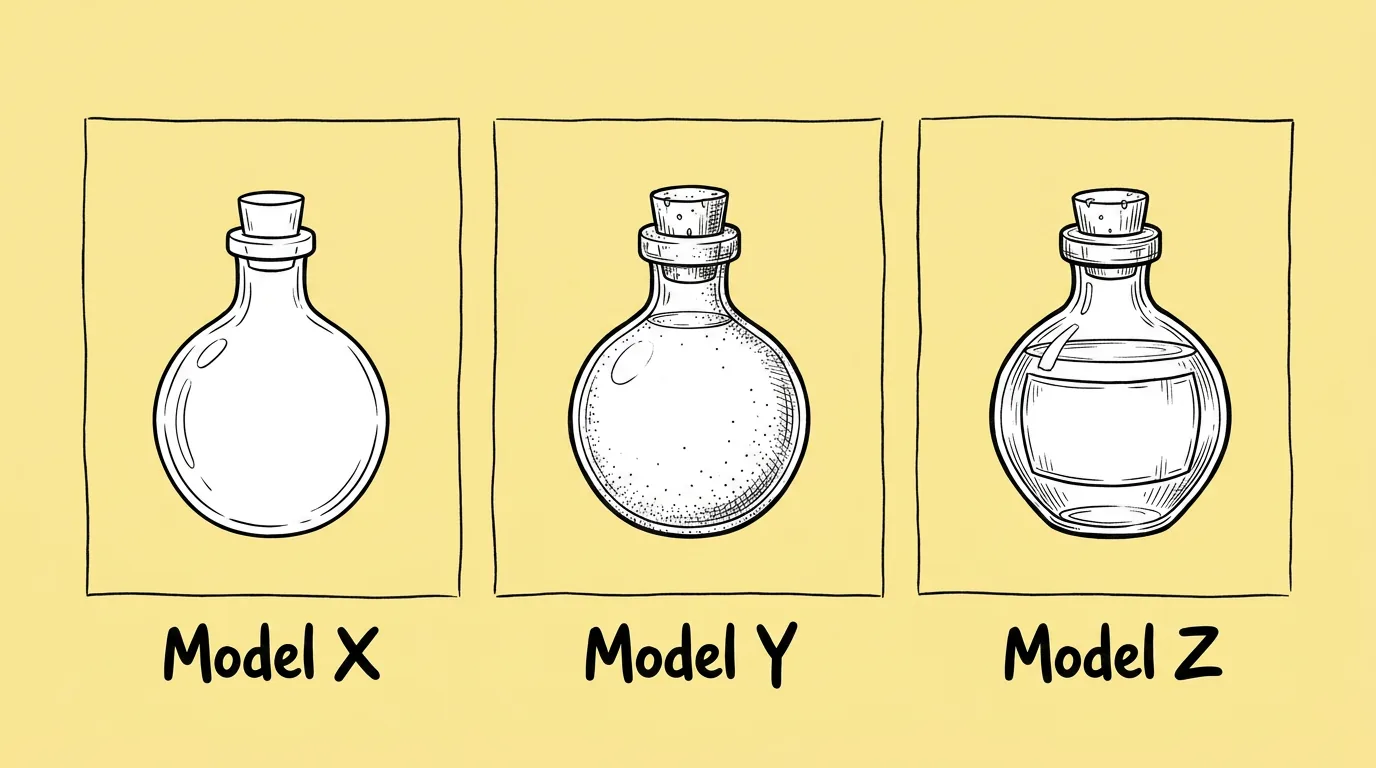
Why compare models at all?
Models differ a lot by task: one holds asymmetric details, another renders text cleanly, another stays closer to the original. Test on your real prompt, twice per model, before a big batch, and save the winner as a skill.
Thanks, we'll be in touch.
A Genie expert will reach out to set up your demo.
Tell us about your studio
We'll use this to route you to the right Genie expert.
By submitting this form, you agree to receive product information from Genie. See our Privacy Statement.