
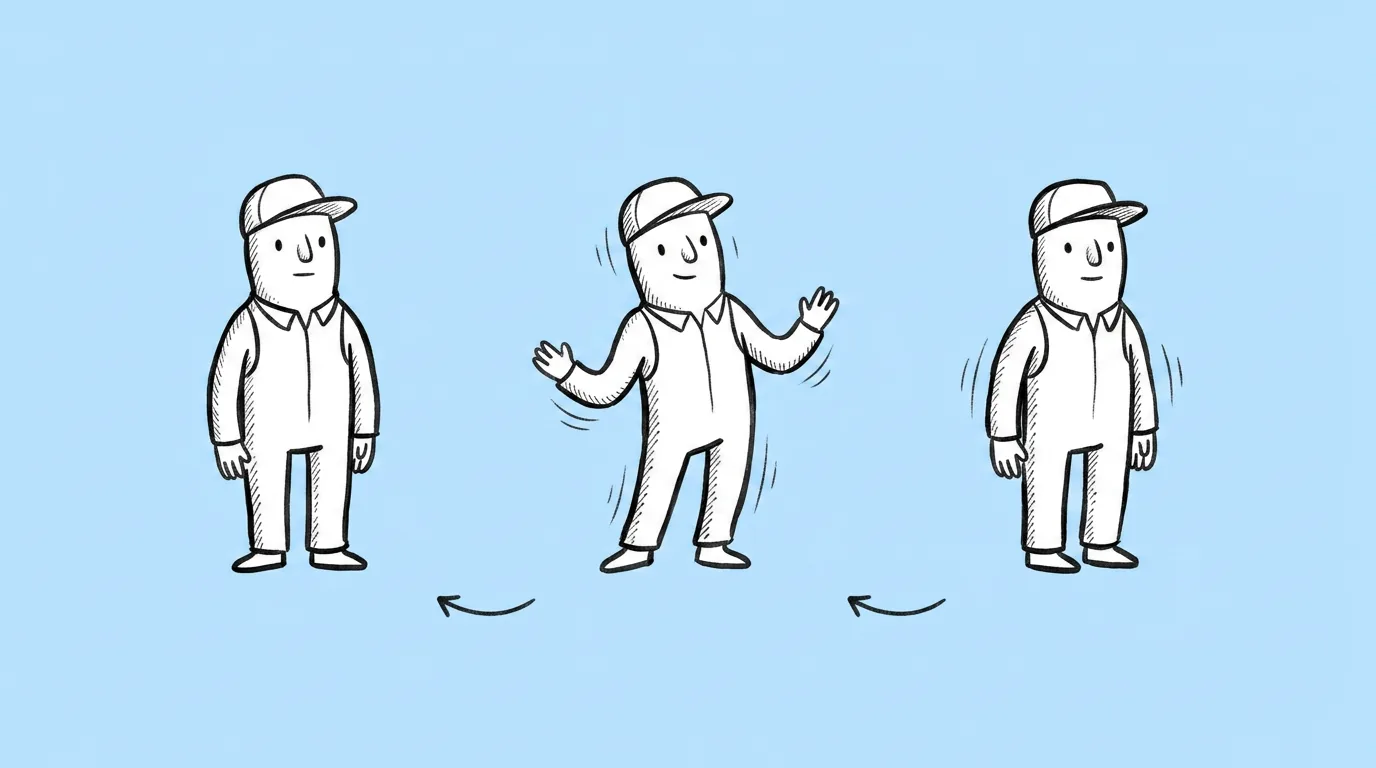
What to fill in
| Bracket | What to put | Example |
|---|---|---|
| [number] | Three to five seconds loops cleanly. | 4 |
| [motion] | Small, specific movements. | "slow breathing, a blink, cape moving in a light breeze" |
When do you use it?
Anywhere a character stands still on screen for more than a second. A lobby where the hero waits. A character select grid. A store page for a new skin. A social post that needs to stop the scroll. A static image in those spots feels unfinished. A full animation pass for each one rarely fits the calendar.
What breaks, and how do you fix it?
The loop doesn't close cleanly, so there's a visible jump. The character's design shifts during the motion. Motion comes out too big or jittery.
- Ask for small motions. Breathing, blinking and hair. Big gestures are where design and loops break.
- Keep it to three to five seconds. Short loops close more reliably.
- Start from a clean pose on a plain background. Less for the model to animate, fewer things to drift.
Variations to try
Animate the attached character into a three-second idle loop with glowing particles rising around them and subtle breathing.
Animate the attached character in a slow four-second loop, turning their head slightly toward the camera and smiling.
FAQ
Can I use the animation in the game build?
+
It's a video loop, which works well for lobbies, store pages and social. Gameplay animation usually still goes through your rig and engine.
Why does the prompt name a model?
+
Video models differ a lot in how well they hold a character's design. The prompt names the one the team uses today, and that will change as new models arrive.
How long can the loop be?
+
Longer is possible, but three to five seconds gives the cleanest loop.