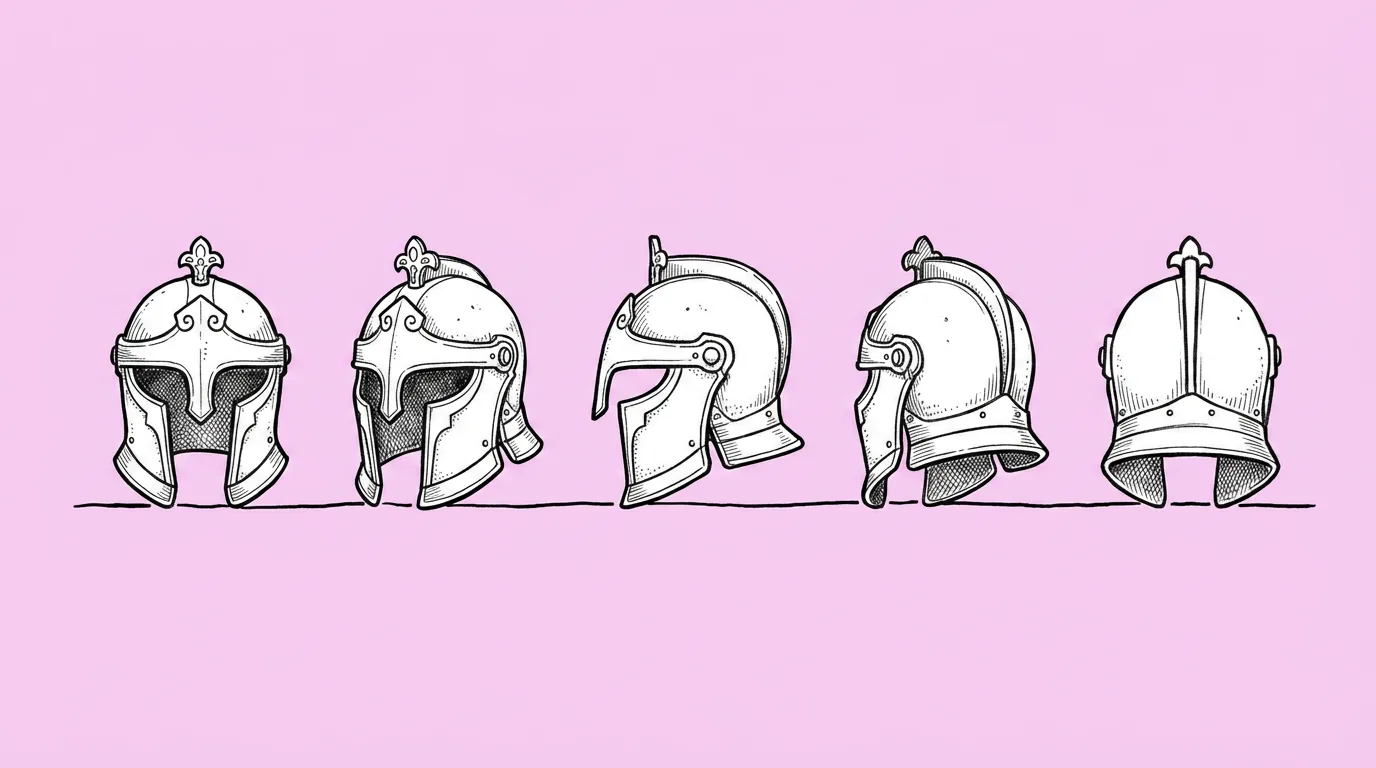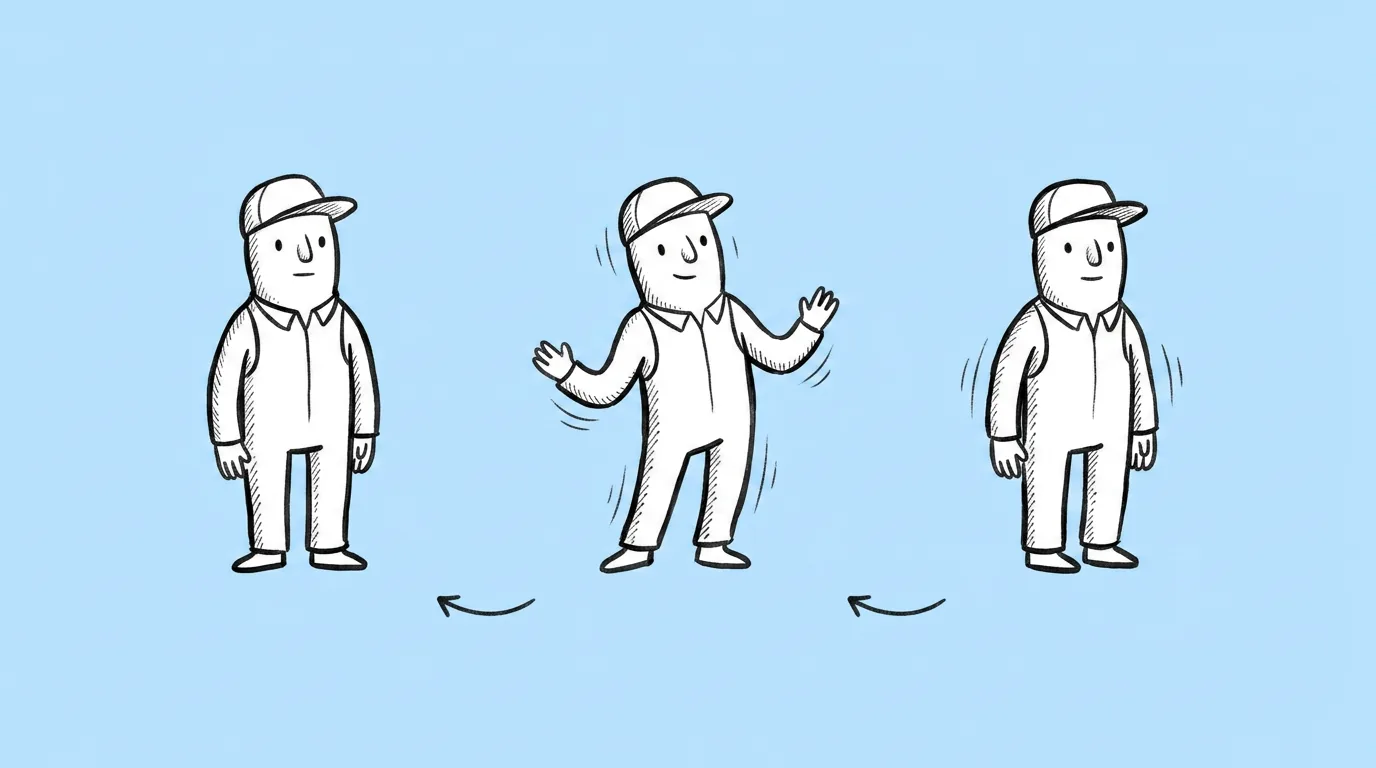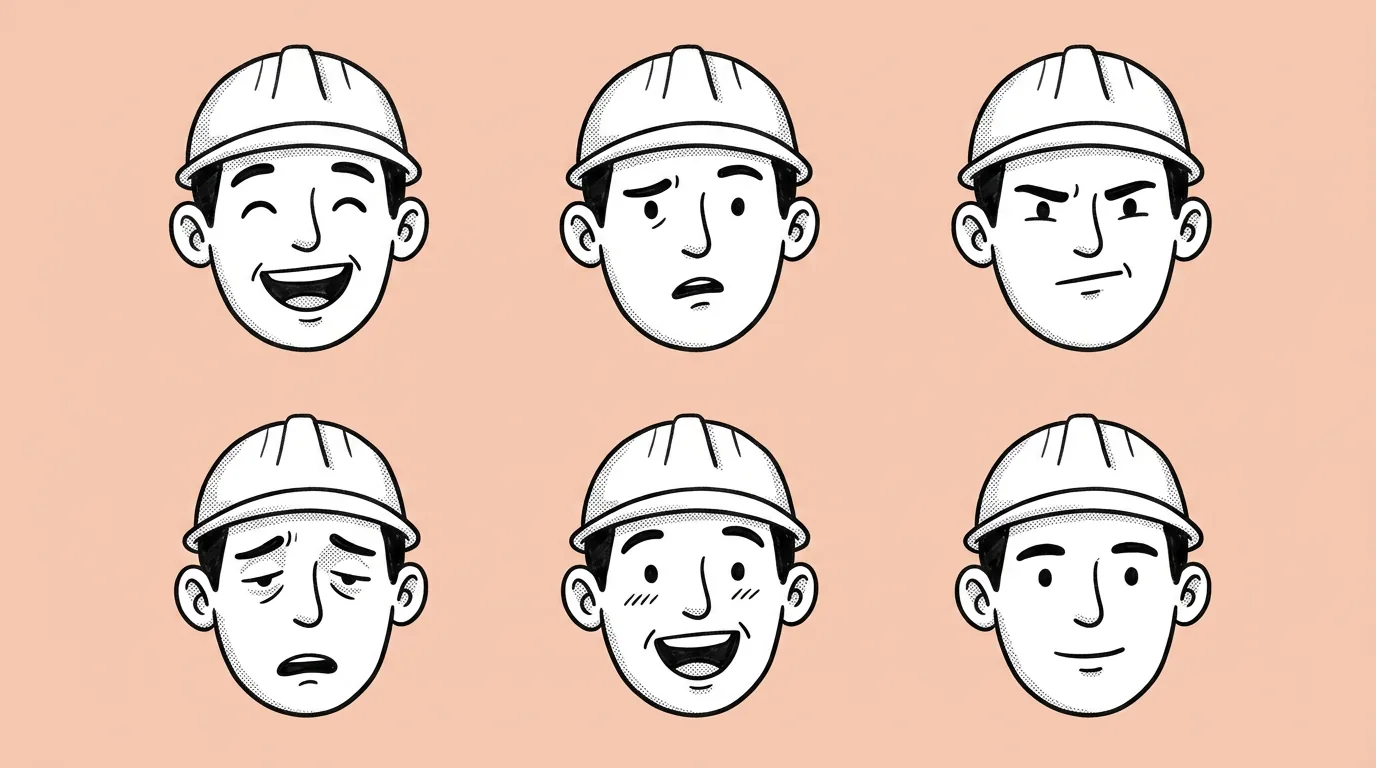

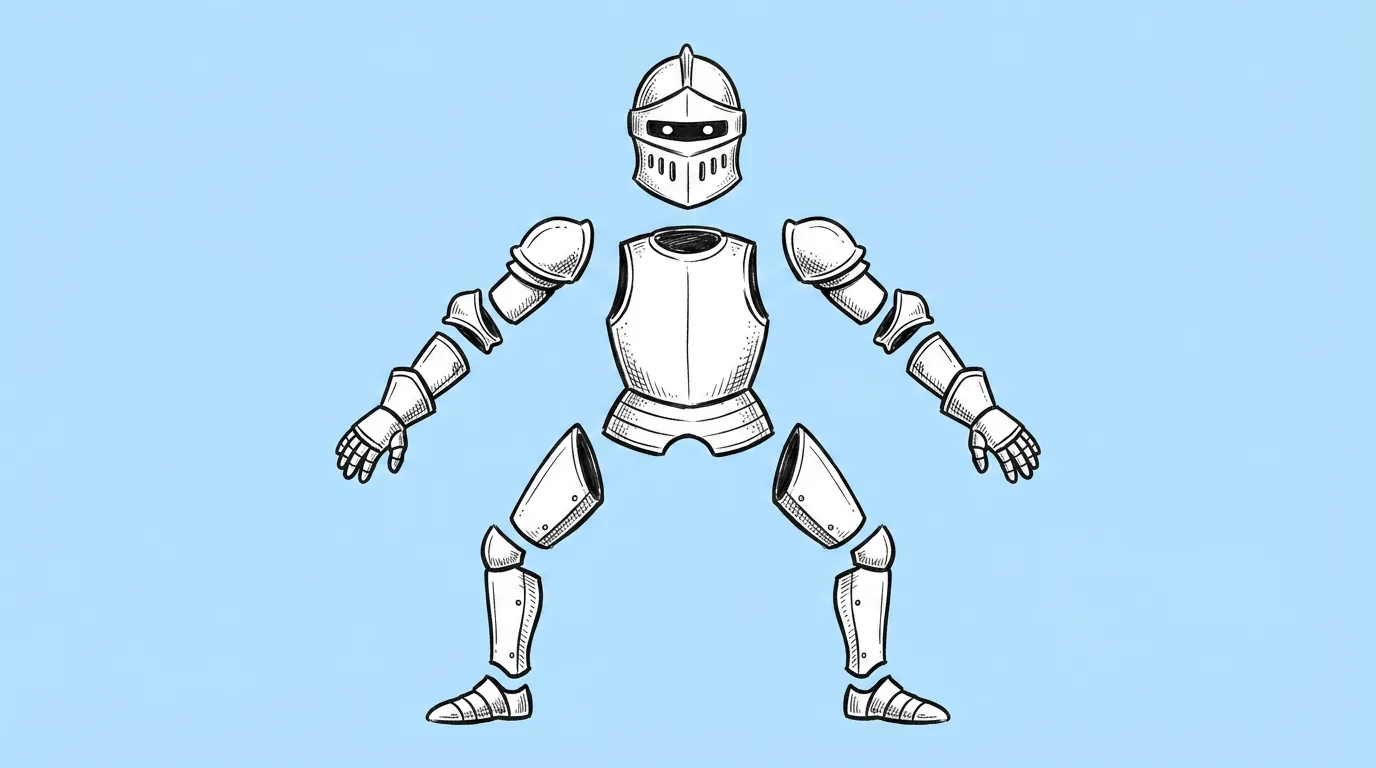
What to attach and fill in
| Part | What to use | Example |
|---|---|---|
| The attached character | A clean T-pose or A-pose on a plain background. | Your hero in an A-pose, arms away from the body |
| [list parts] | Every part your rig needs, including accessories that move on their own. | "head, hair back, torso, upper arms, forearms, hands, thighs, shins, feet, cape" |
When do you use it?
The moment a 2D character is approved and headed to animation. Splitting a flat illustration into parts by hand is slow, and the worst part is painting what was never drawn: the shoulder under the arm, the neck behind the hair. That's the work this prompt takes off the animator's plate.
What breaks, and how do you fix it?
Parts don't line up when you reassemble them. Hidden areas, like under the arm or behind the hair, come out missing. Proportions change from the original.
- Start from a clean T-pose or A-pose on a plain background. Crossed limbs hide the areas you need.
- List every part. Anything you don't name may stay attached to its neighbor.
- Ask for overlap at the joints. Extra material at the shoulder, elbow and hip is what lets parts rotate without gaps.
- Test a couple of models. Some fill hidden areas much better than others.
Which tool should you use?
Use Genie's agent for the full parts sheet. To pull out a single part from an existing image, use split to layers on the canvas.
Variations to try
Break down the attached character's head into separate parts: face base, eyes, eyebrows, mouth, hair front, hair back, ears, with spacing.
Break down the attached creature into body, head, jaw, four legs, tail and wings, each separated, with overlap at every joint.
FAQ
Which animation tools is the sheet for?
+
Any 2D skeletal animation tool that works with separate body-part images. The sheet is the art input; rigging happens in your animation tool.
Does it paint the hidden areas?
+
That's the goal, and asking for overlap at the joints helps. Check under the arms and behind the hair before handing it off.
Can I get each part as its own file?
+
The prompt returns one sheet. Use split to layers on the canvas to separate parts into their own layers.