
What to fill in
| Bracket | What to put | Example |
|---|---|---|
| [currencies] | Called with @. | @gold coin and @blue gem |
| [number] | A rough amount. | about 50 |
| [pile shape] | Wide, tall, overflowing, in a chest. | tall |
| [camera view] | The same view your store uses. | isometric |
When do you use it?
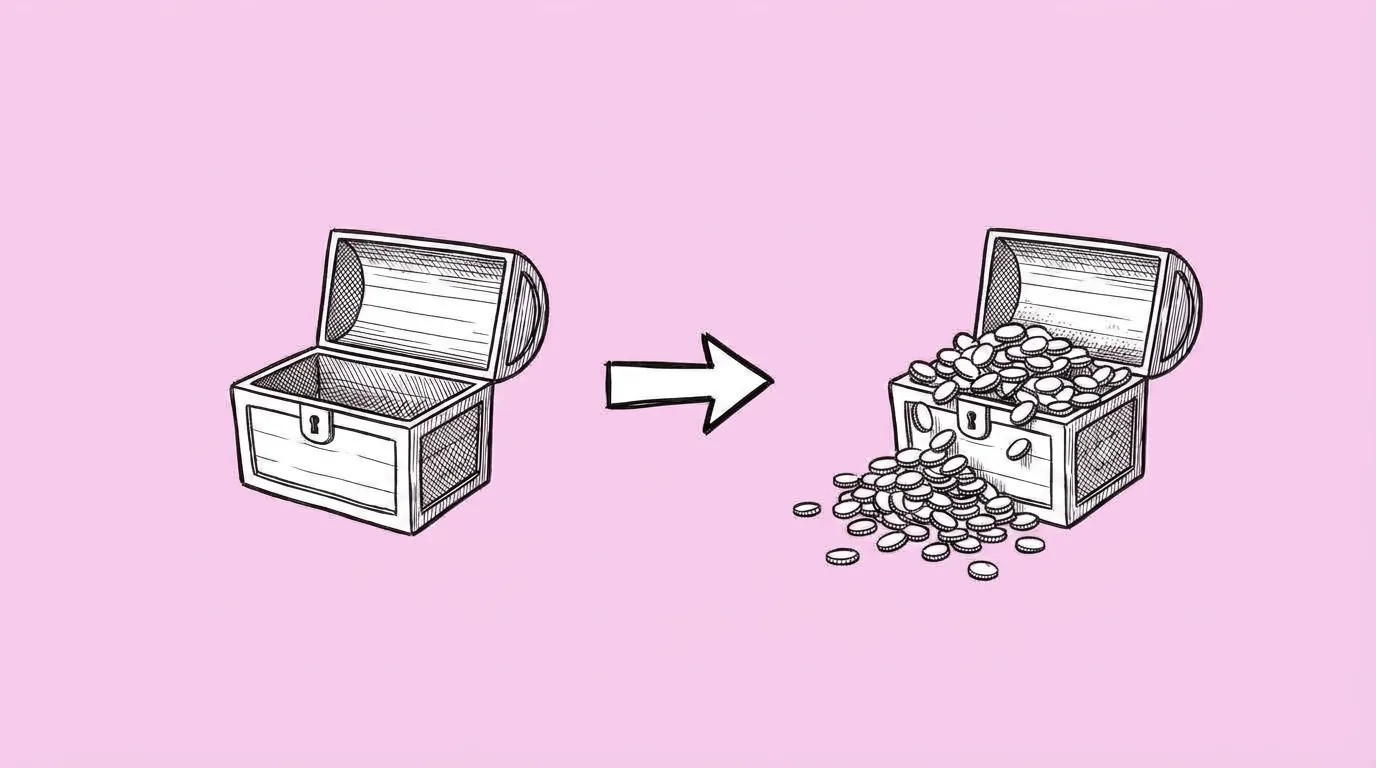
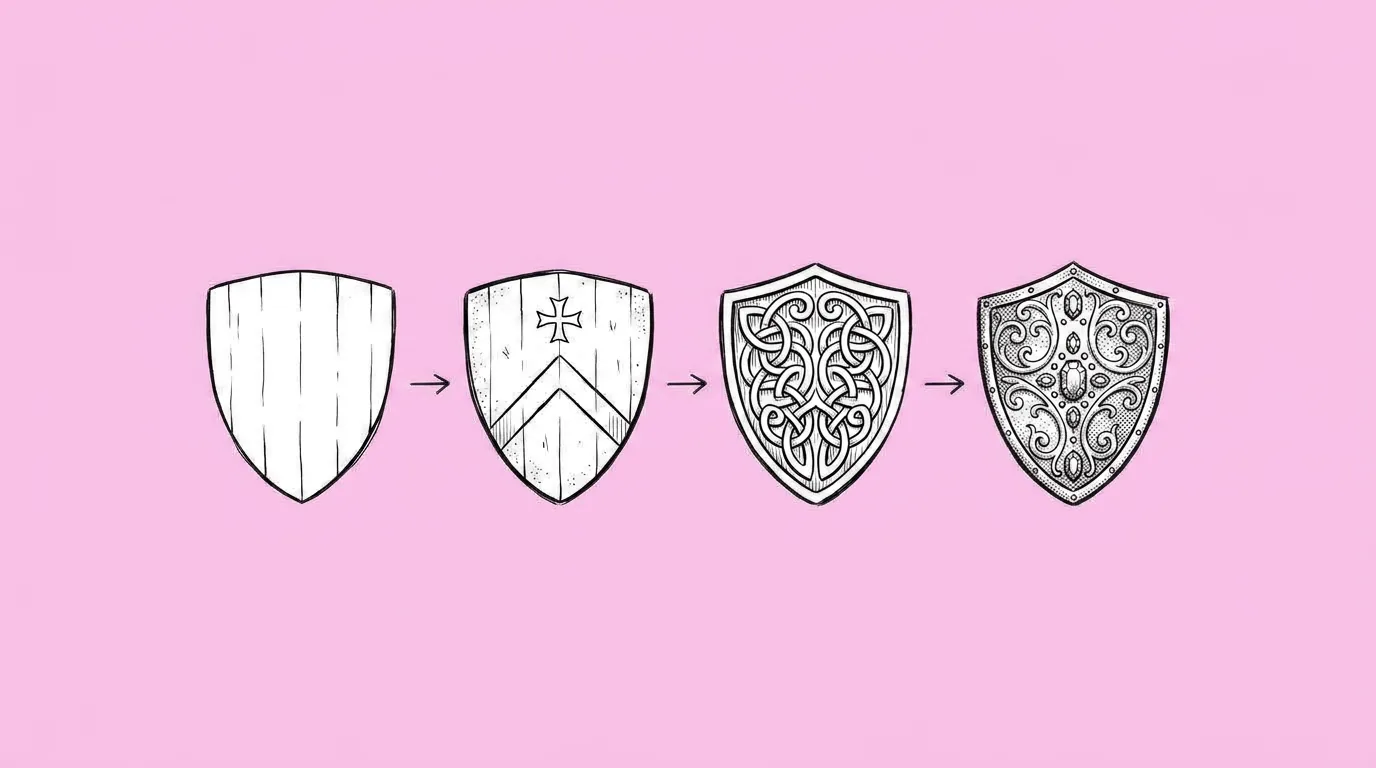
When you're building or refreshing the store. A store page is a ladder of packs, and the art is the ladder: the player should see the difference between the $4.99 and the $19.99 pack before reading a number.
What breaks, and how do you fix it?
Piles look flat or random. The size doesn't step up clearly between tiers. Individual coins lose their design.
- Ask for all tiers in one request. Small, medium, large and huge, with the same camera view, so the step-up is obvious.
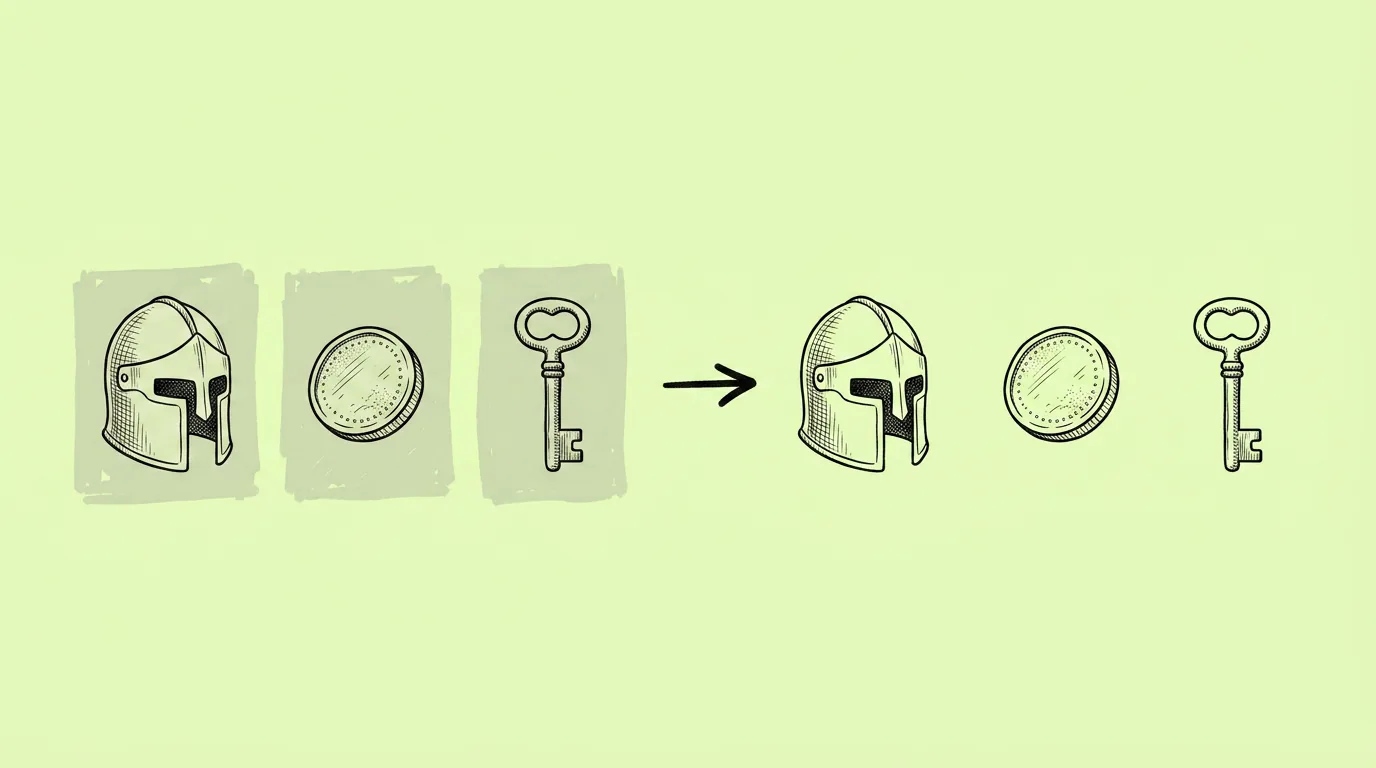
- Call the currency with @. That keeps each coin on-model.
- Keep the pile on a plain background, then cut it out with one-click remove background on the canvas.
Variations to try
Create four piles of @[gold coin] from the same isometric view: a small handful, a pouch, a chest and an overflowing vault, on a plain background.
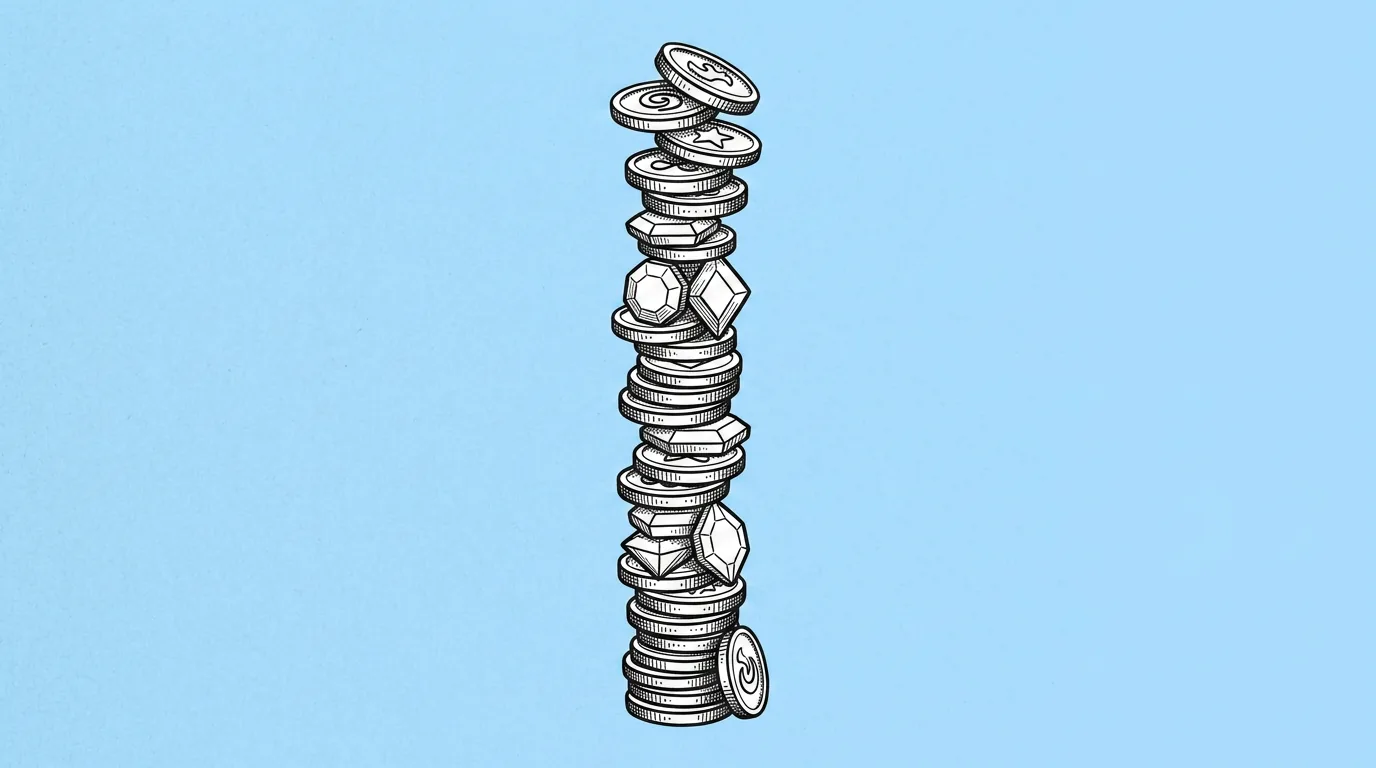
Create a tall pile of about 40 @[gold coin] with 10 @[gem] on top, eye-level view, plain background.
FAQ
Will the count be exact?
+
No. "Approximately" is honest: the model aims for the amount but won't count coins one by one. Use it for visual scale, not as a promise of quantity.
Can I mix currencies in one pile?
+
Yes. Call each with @ and say how they're arranged.
Which camera view works best for stores?
+
Whatever your store already uses. Matching it matters more than the view itself.