
What to fill in
| Bracket | What to put | Example |
|---|---|---|
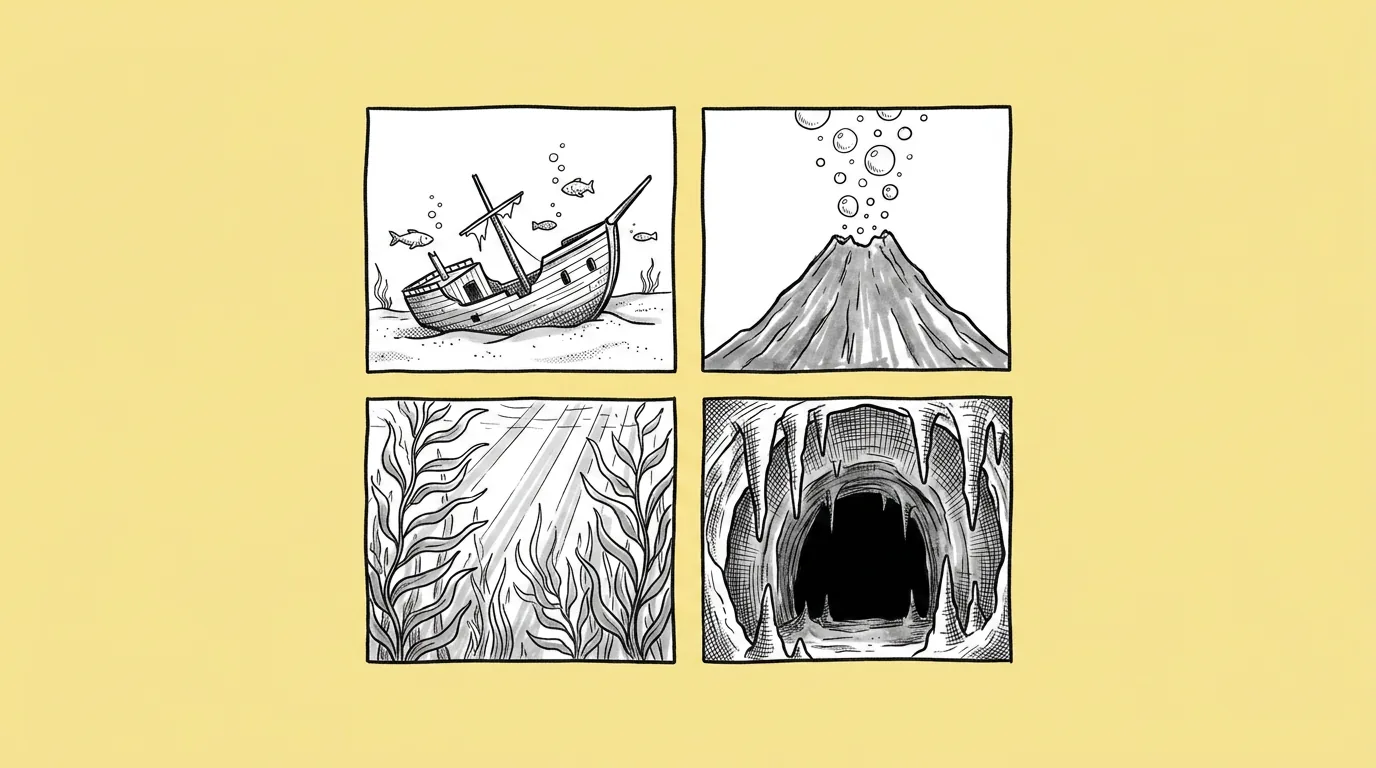
| [number] | Four to six options for one review. | 4 |
| [style direction or theme] | The theme, the camera angle and where UI or characters will sit. | "a frozen mountain pass for a winter event, side-scrolling view, clear sky in the top third for UI" |
When do you use it?
Before a background goes into production. The level designer knows the layout, the event has a theme, but nobody has seen the place yet. Four options on the table turn a vague brief into a choice.
What breaks, and how do you fix it?
Backgrounds get too busy for the gameplay or UI that sits on top. Perspective doesn't match the game's camera.
- State the camera angle. Top-down, isometric, side-scrolling, or eye level. Say it every time.
- Say where UI or characters will sit, and ask for clear space there.
- Try a few models. Different models widen the range of directions. Compare image models does it in one request.
- Adjust the pick with the camera angle app. Once you've chosen a direction, fine-tune the view without regenerating.
Variations to try
Generate four lobby background concepts for a pirate game, eye level, calm and low detail in the center where the character stands.
Generate five isometric event map concepts for a jungle temple event: overgrown, golden, flooded, volcanic and night.
FAQ
Can I match my game's existing backgrounds?
+
Yes. Attach one or two existing backgrounds as style references, or pick your style with @.
How do I keep space for UI?
+
Say exactly where the UI goes and ask for low detail or open sky there.
Are these final backgrounds?
+
They're concepts for a decision. Take the chosen one forward with your artists or refine it in Genie.