
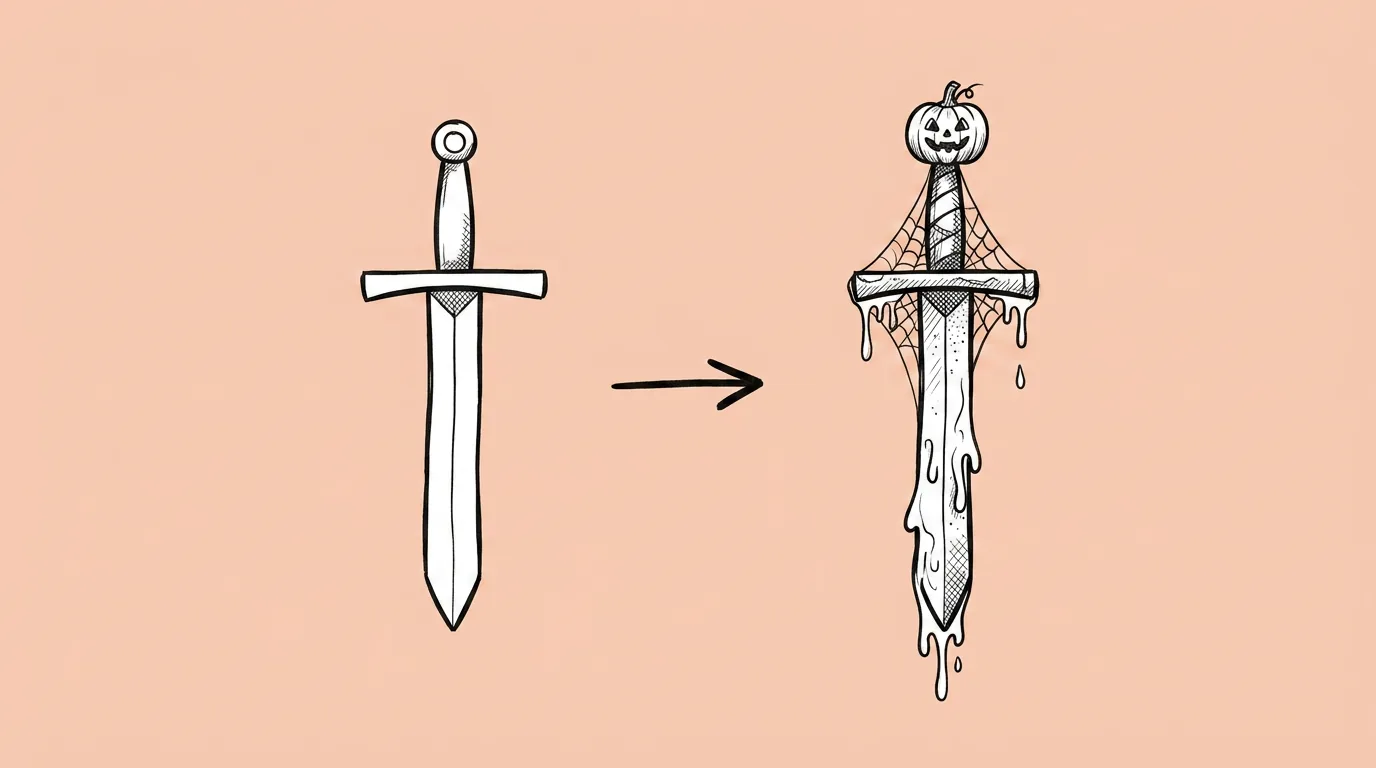
What to fill in
| Bracket | What to put | Example |
|---|---|---|
| [season/event] | The event, plus its mood. | "spooky but friendly Halloween" |
| [themed elements] | What changes: materials, props, colors, light. | "jack-o'-lantern windows, purple roof tiles, cobwebs on the corners, warm orange glow" |
When do you use it?
Every time the LiveOps calendar has a themed event. The game needs to look different for two weeks, across dozens of assets, and then go back. In a live game the calendar is the product. Reskins are often the reason a themed event gets cut from the plan: there's too much art and too little time.
What breaks, and how do you fix it?
Three ways. The asset becomes unrecognizable. Or the theme is too light, like a pumpkin sticker slapped on top. Or different assets in the same event get inconsistent theme treatment, so the event doesn't feel like one event.
- Start with one reskin. Pick the hero asset of the event.
- Ask the agent for a plan first. Which elements change, which themed details get added. Approve the plan before generating.
- Apply the same plan to the rest. Ask the agent to use the approved plan for every asset in the event.
- Use the first approved reskin as a reference. Send it along with each new asset so every asset gets the same treatment.
Variations to try
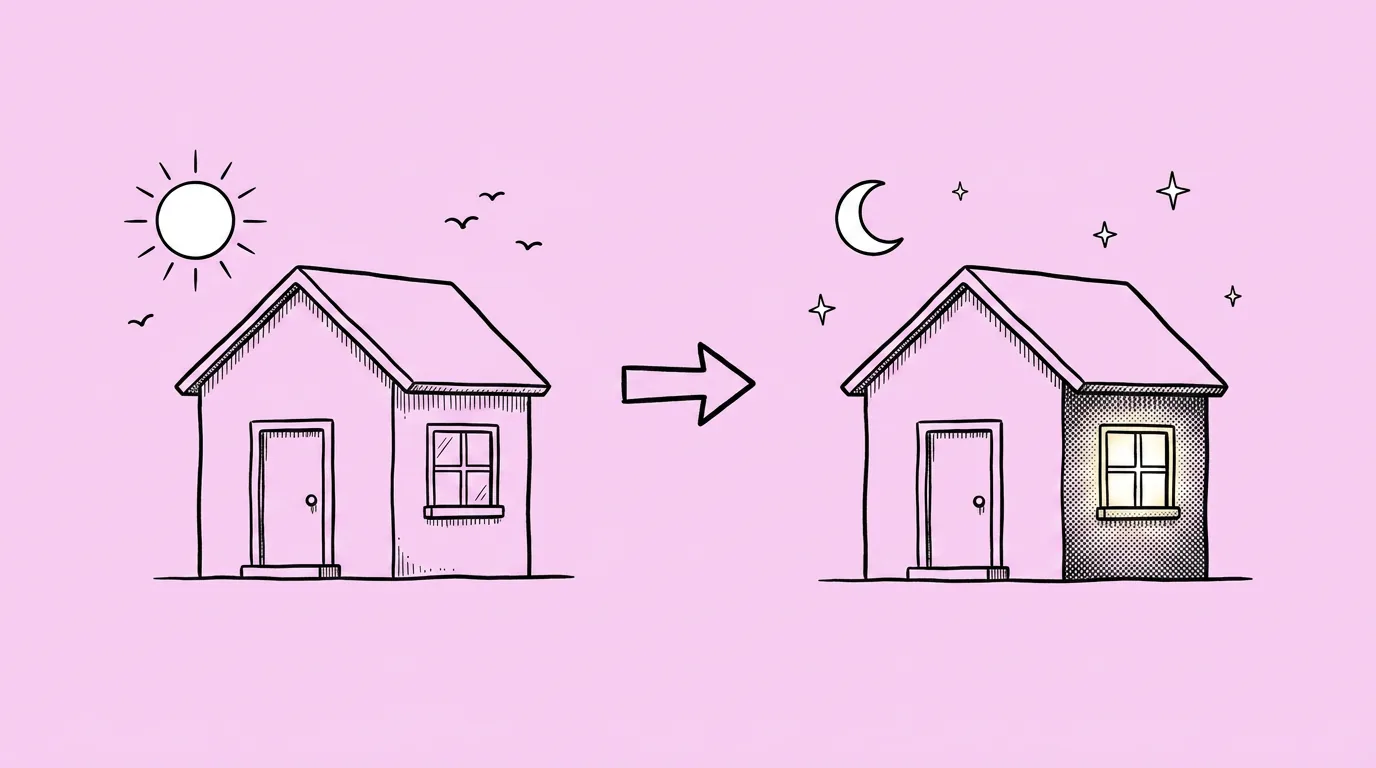
Create a winter holiday version of the attached building with snow on the roof, string lights and a wreath on the door, keeping its shape and colors recognizable.
Create a Lunar New Year version of the attached UI button with red and gold accents and a small lantern icon, same size and layout.
FAQ
How do I keep a whole event consistent?
+
Approve a plan and a first reskin, then reuse both for every other asset. Saving the plan as a skill lets the whole team reskin to the same rules.
Can I reskin characters too?
+
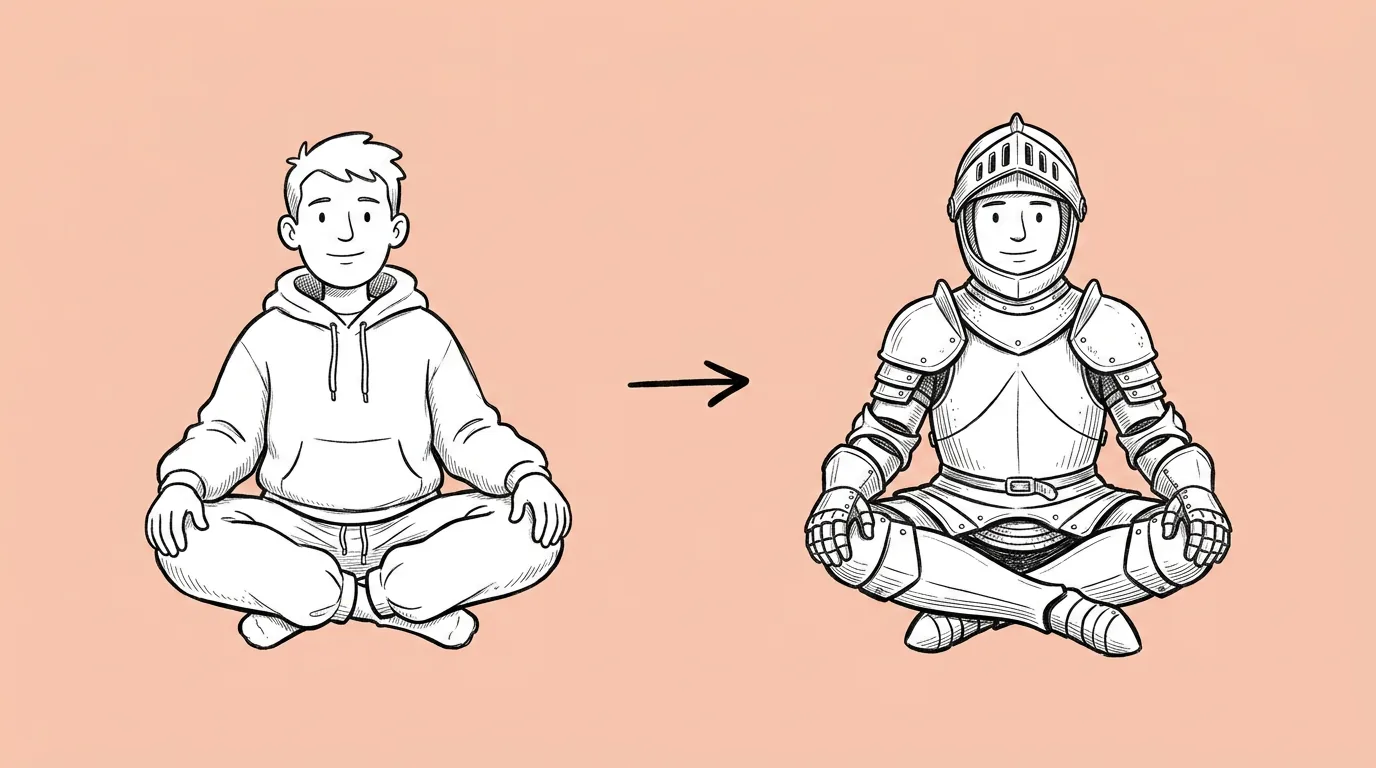
Yes, though for costumes Outfit change keeps the pose and face more reliably.
How recognizable should the reskin be?
+
Players should know it's the same asset at a glance. If the silhouette changes, ask the agent to keep the shape and only change surface details.