One asset, every placement
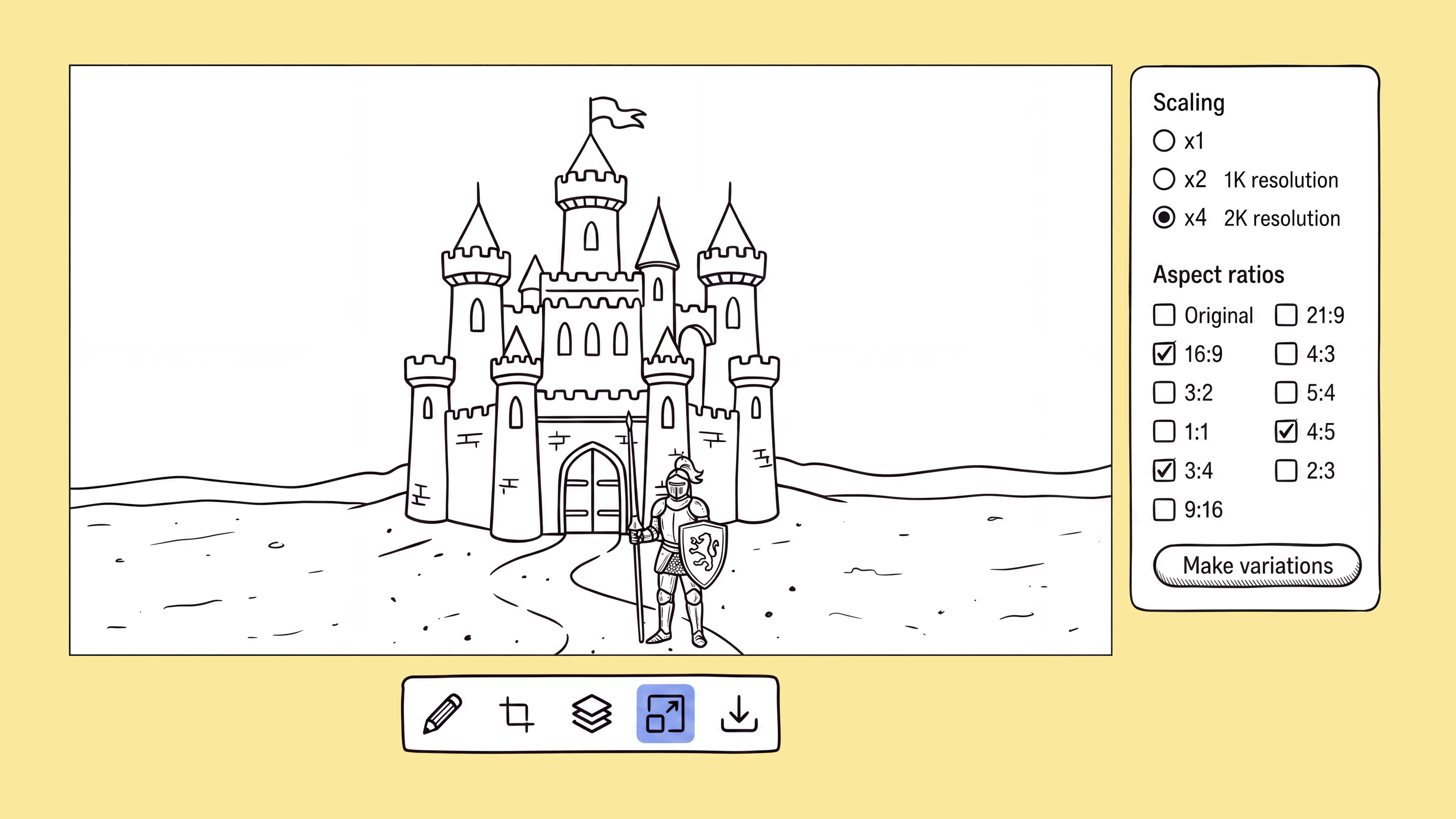
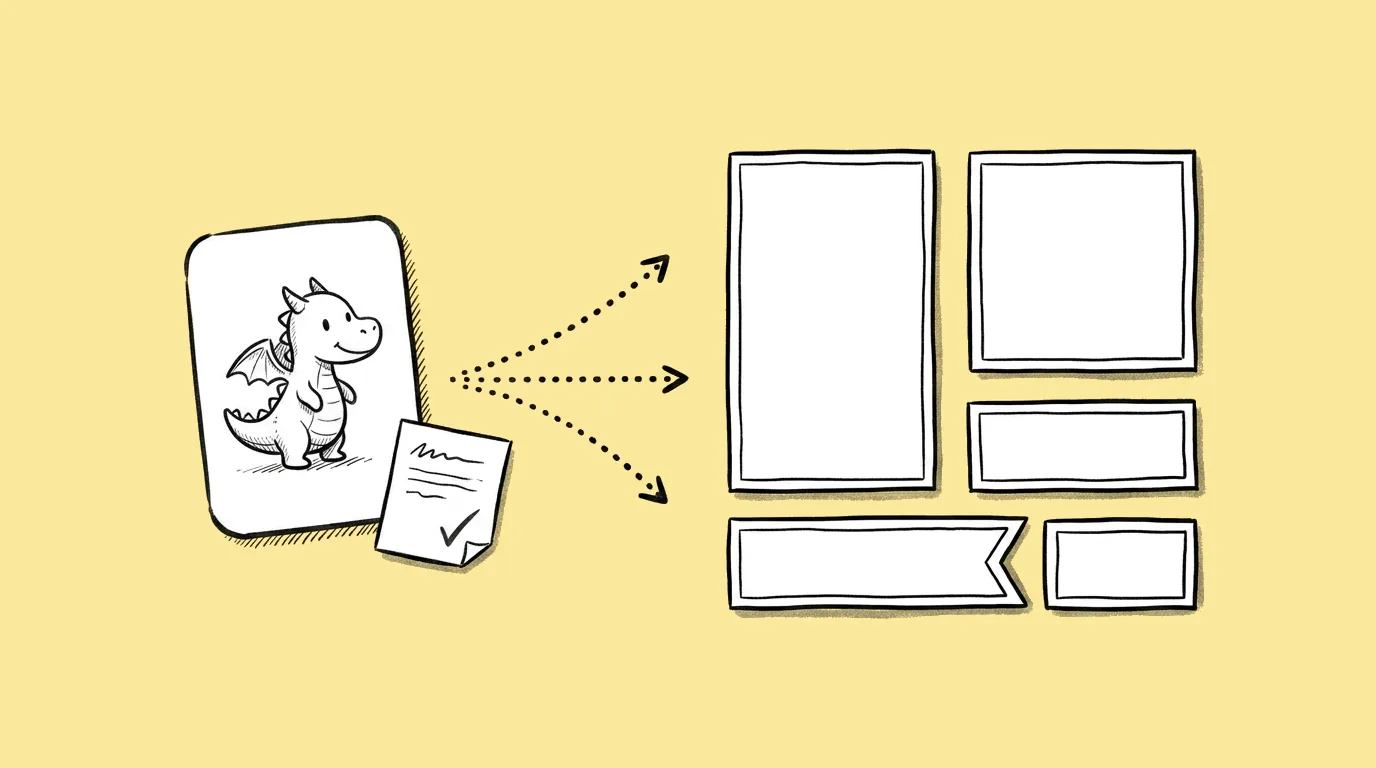
Recast to any ratio
Recast one asset to any aspect ratio, no manual re-crop. The composition follows automatically.

Pass upload first time
Hit each platform's required spec so files pass upload the first time.
Focus stays put
Keep composition and focal point intact at every ratio.
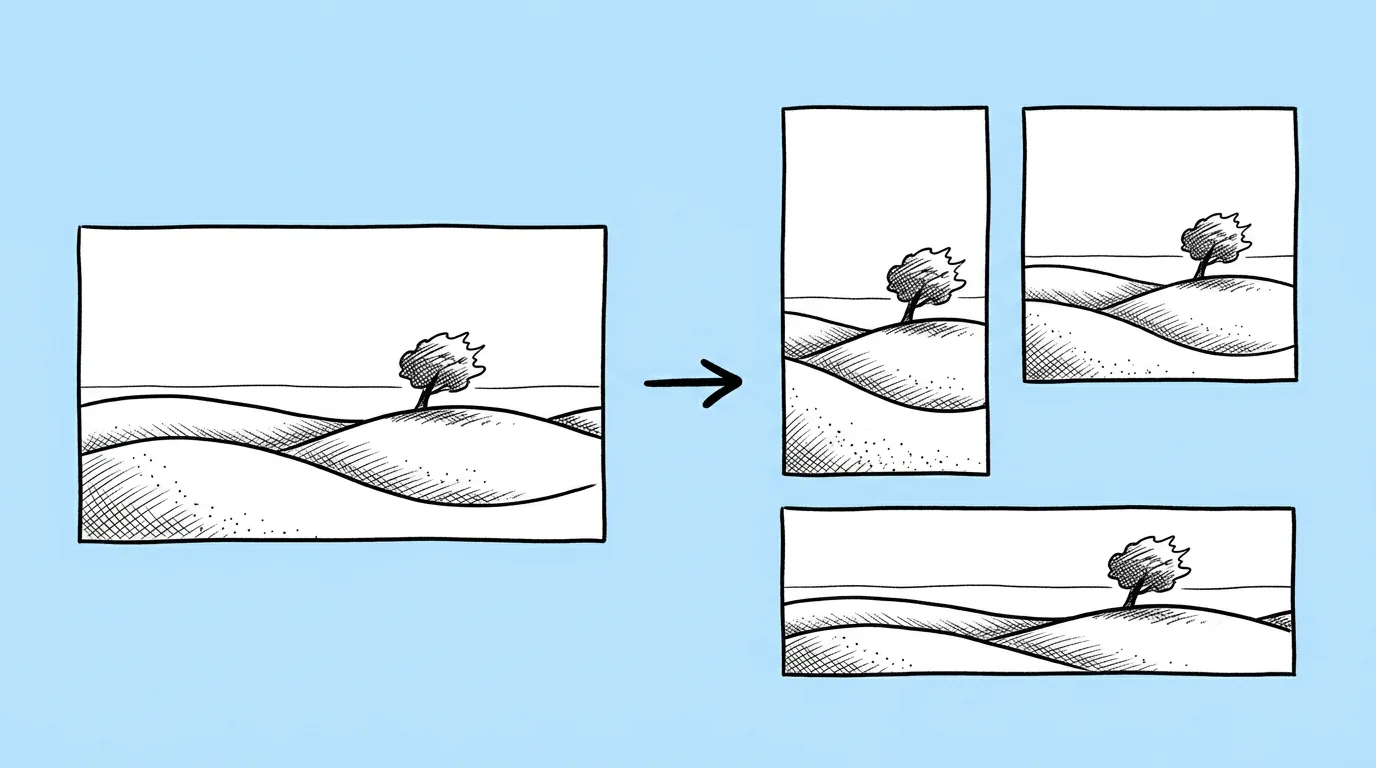
One source, every format
Turn one source asset into every required format in a single pass, no re-generation.
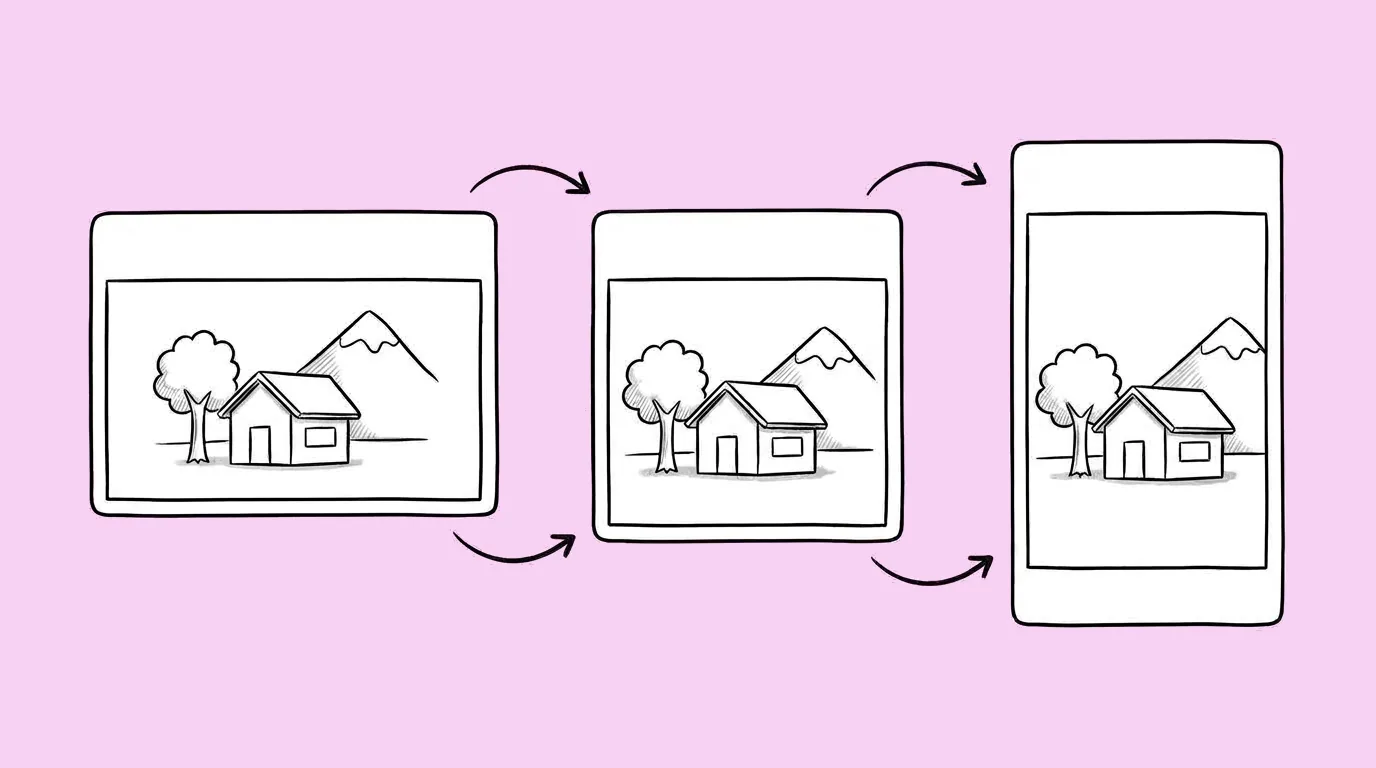
Every size, one upload.
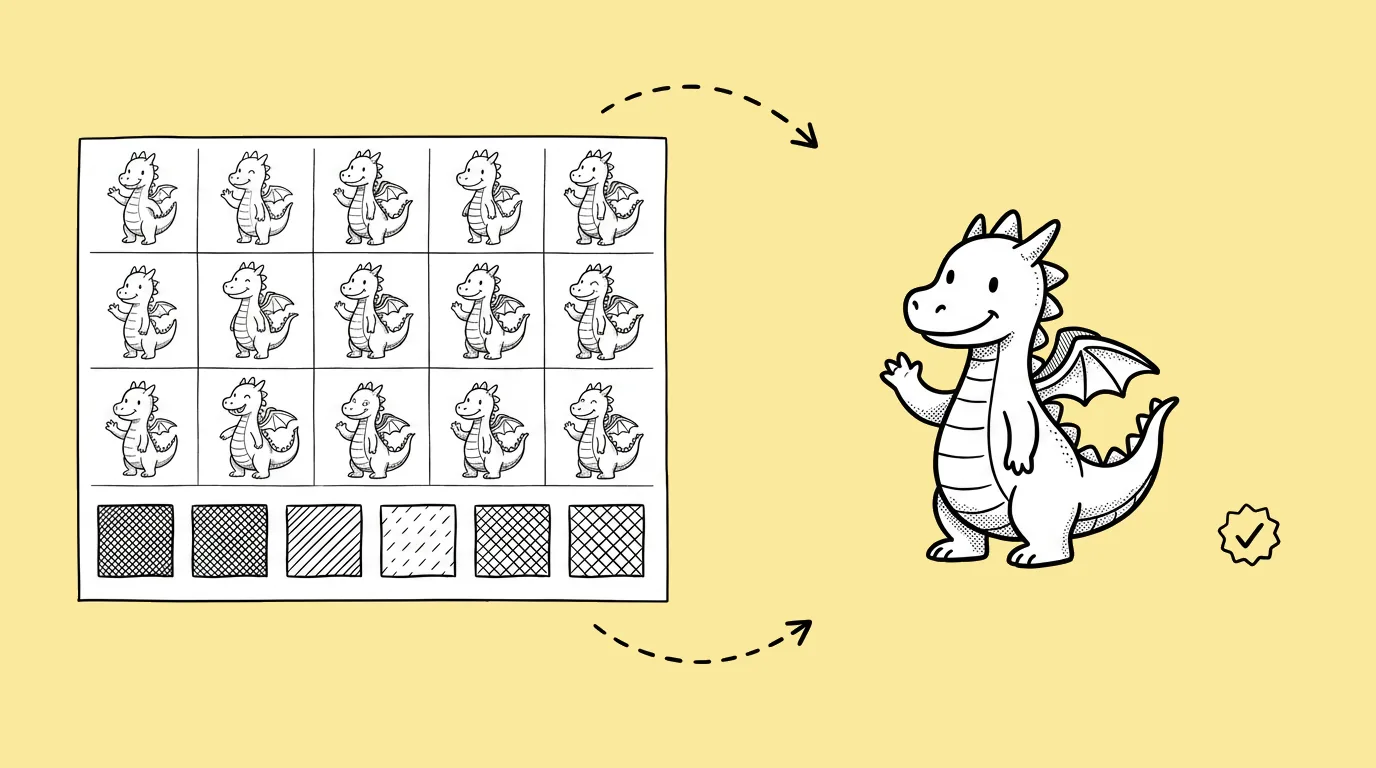
One source asset, every platform and store spec, all on brand.
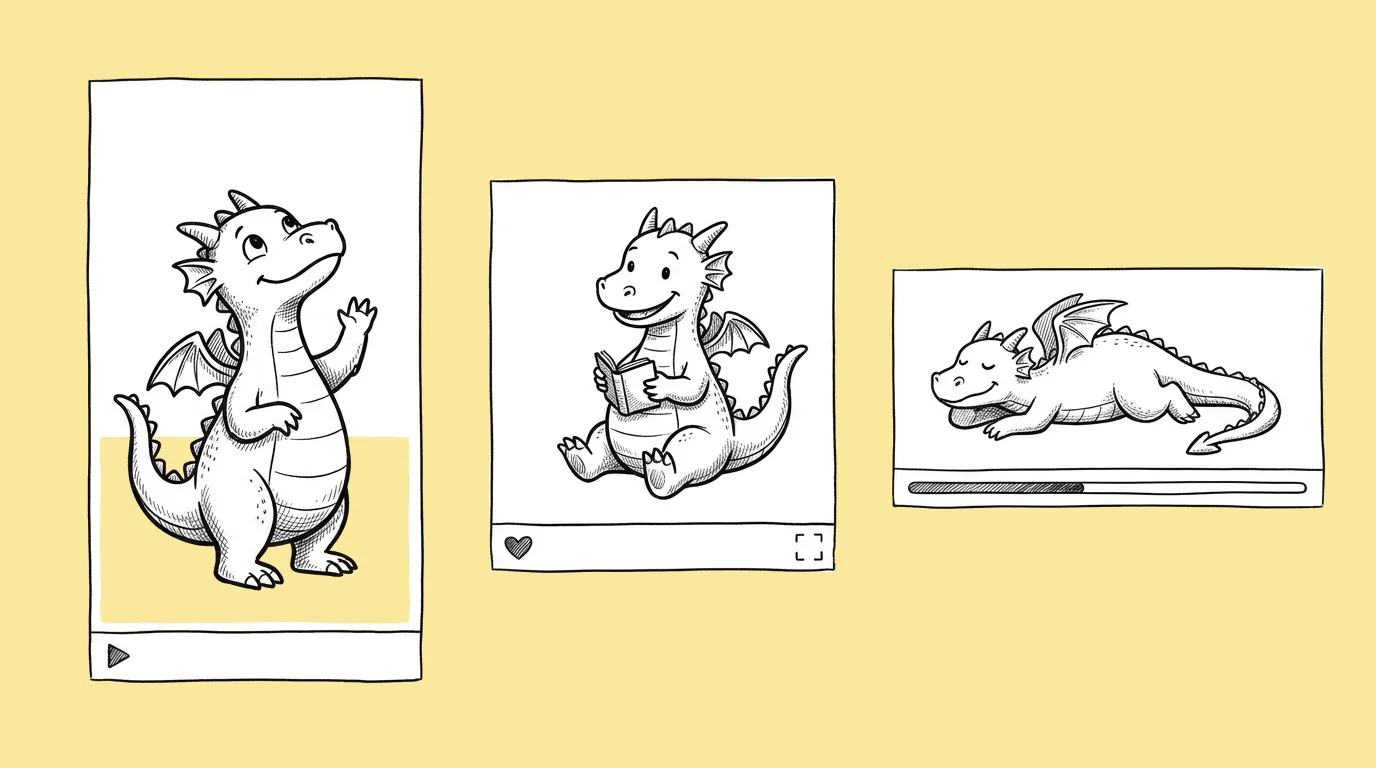
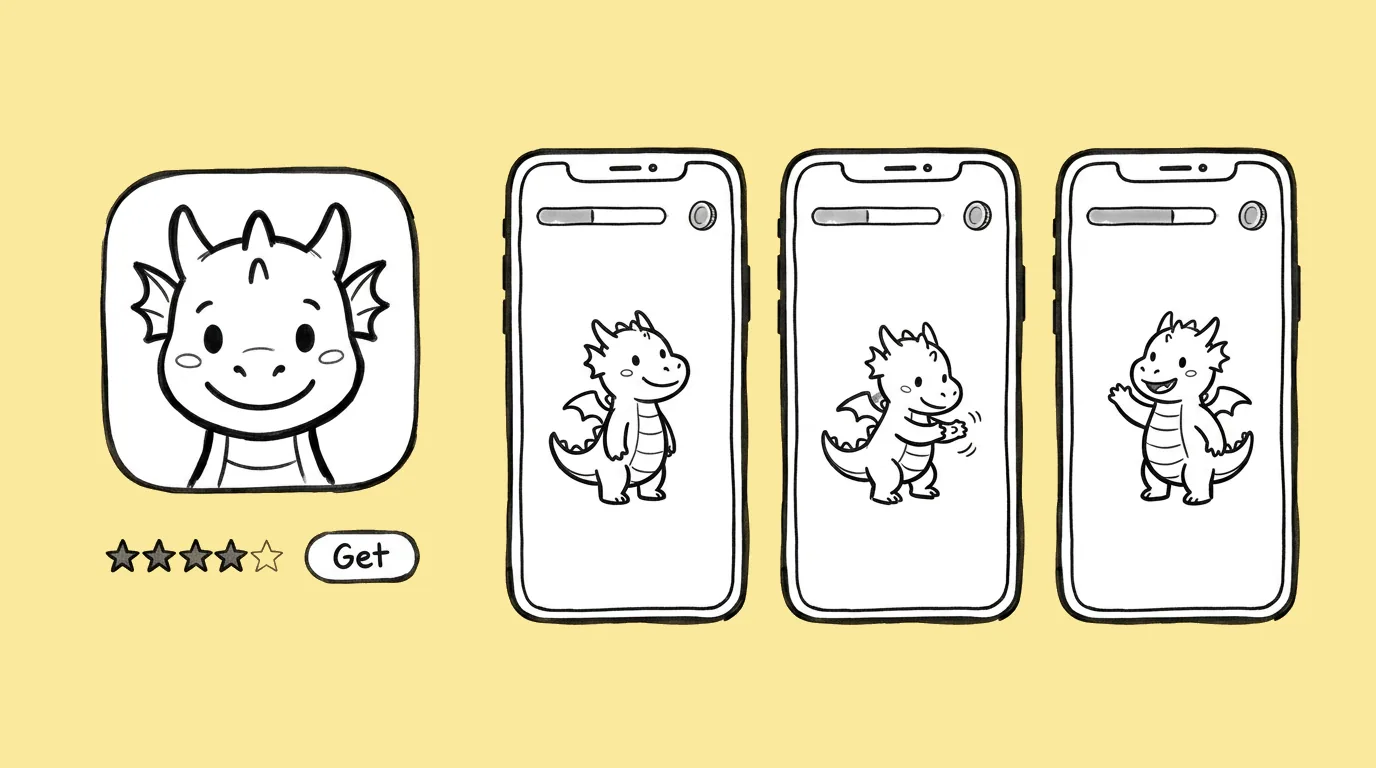
One brief
Ask once and get the full set of sizes a campaign needs.
Every network
Reformat any asset to any network's spec in one step.
Every store
Output screenshots and icons at each store's required size.
Still on brand
Every reformat stays anchored to your visual identity.
Make it once. Ship it everywhere.
Thanks, we'll be in touch.
A Genie expert will reach out to set up your demo.
Tell us about your studio
We'll use this to route you to the right Genie expert.
By submitting this form, you agree to receive product information from Genie. See our Privacy Statement.